Product Design
Ui/UX design

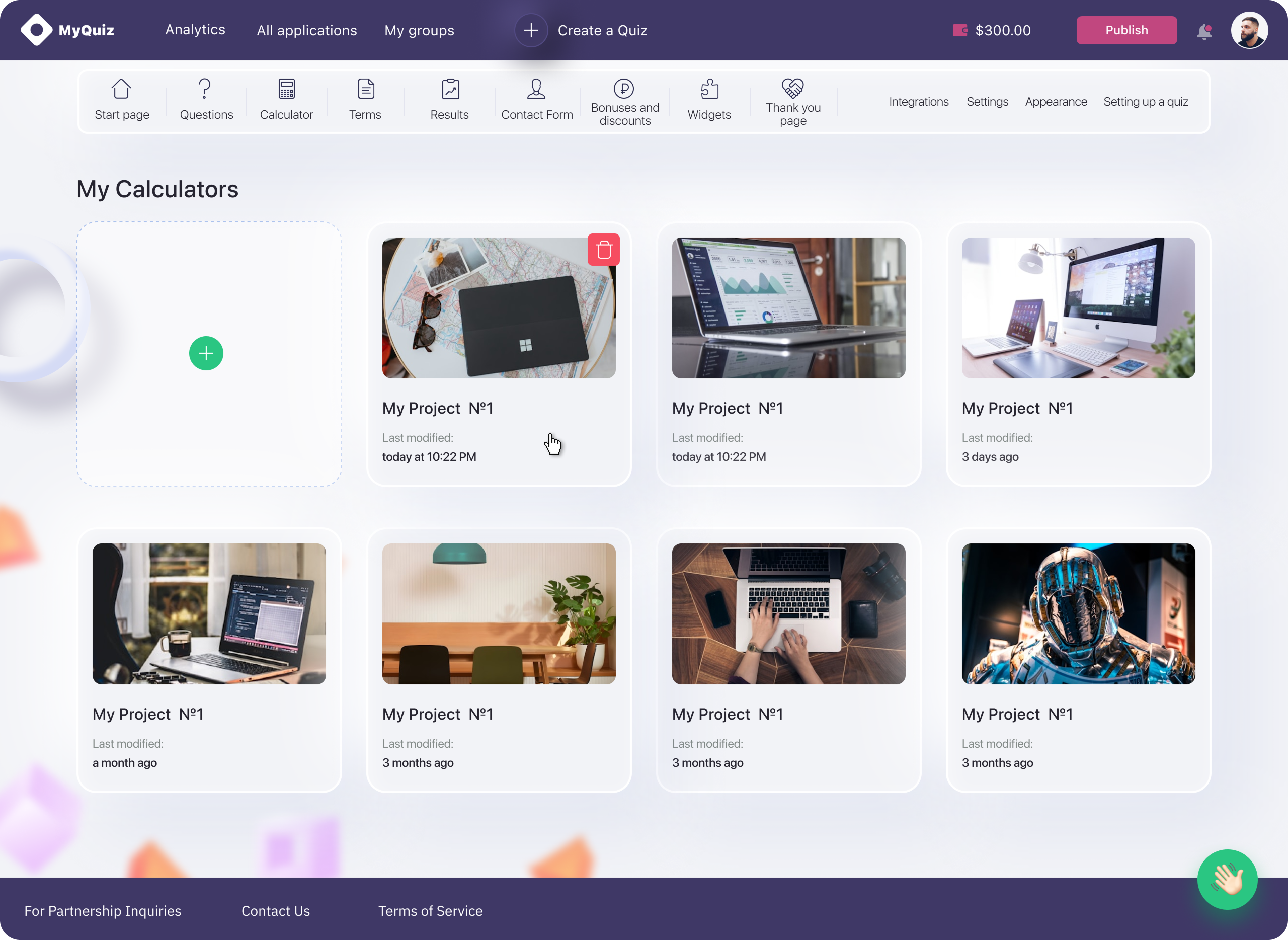
MVP for B2B SaaS

Quiz builder platform

Goal:
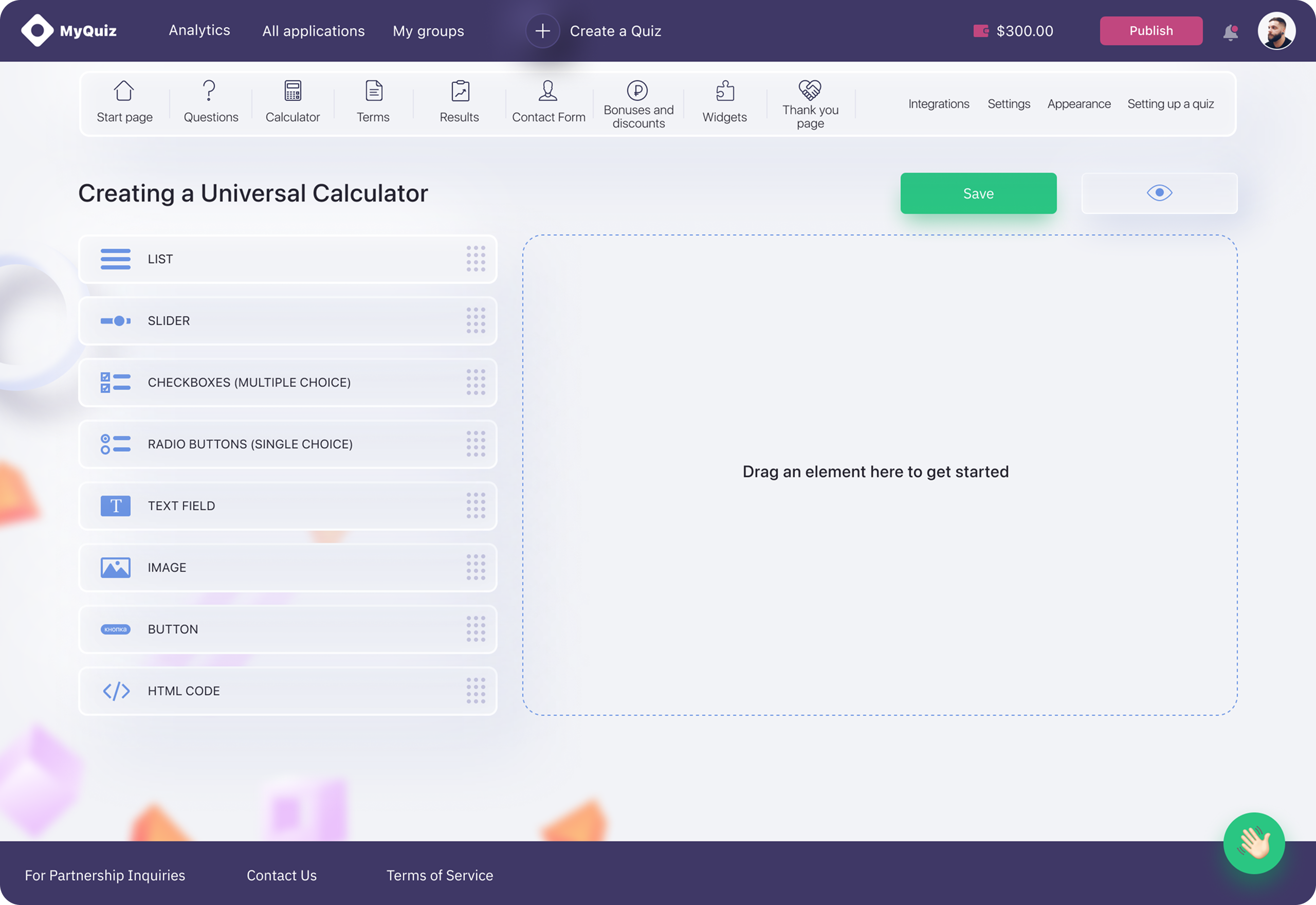
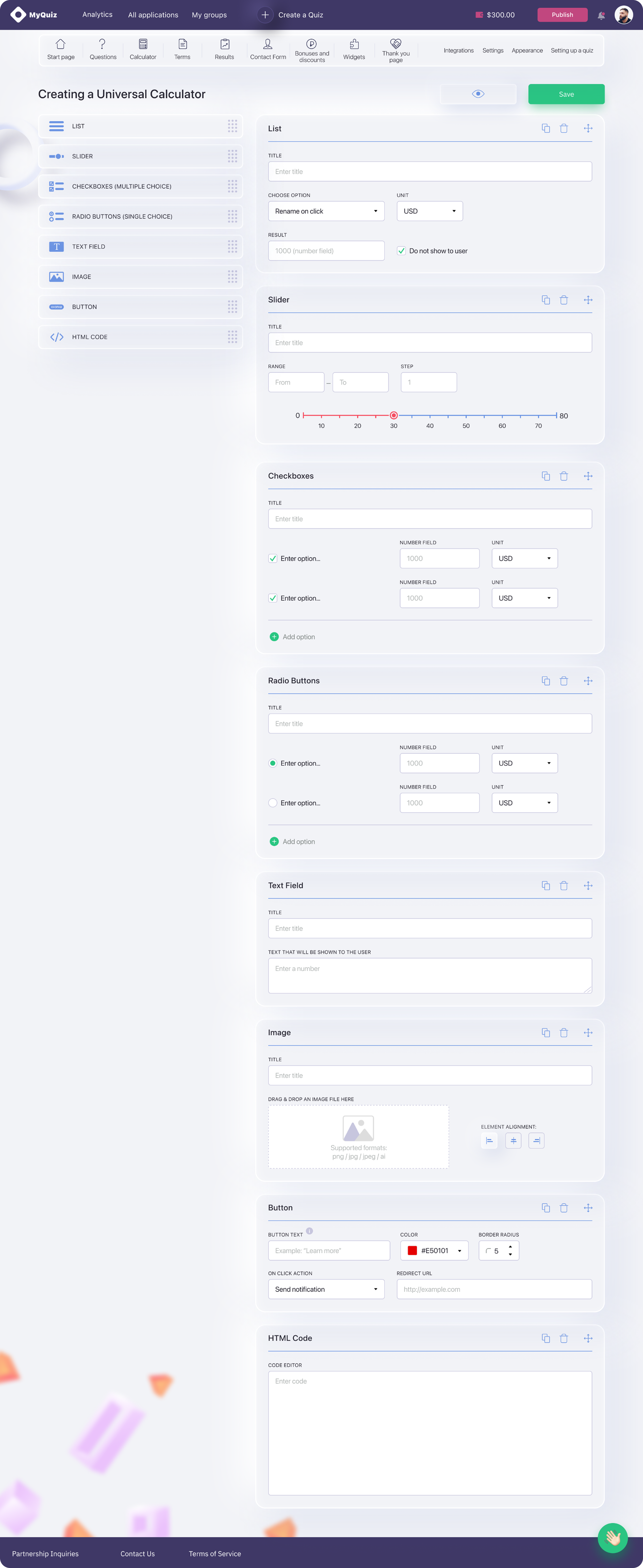
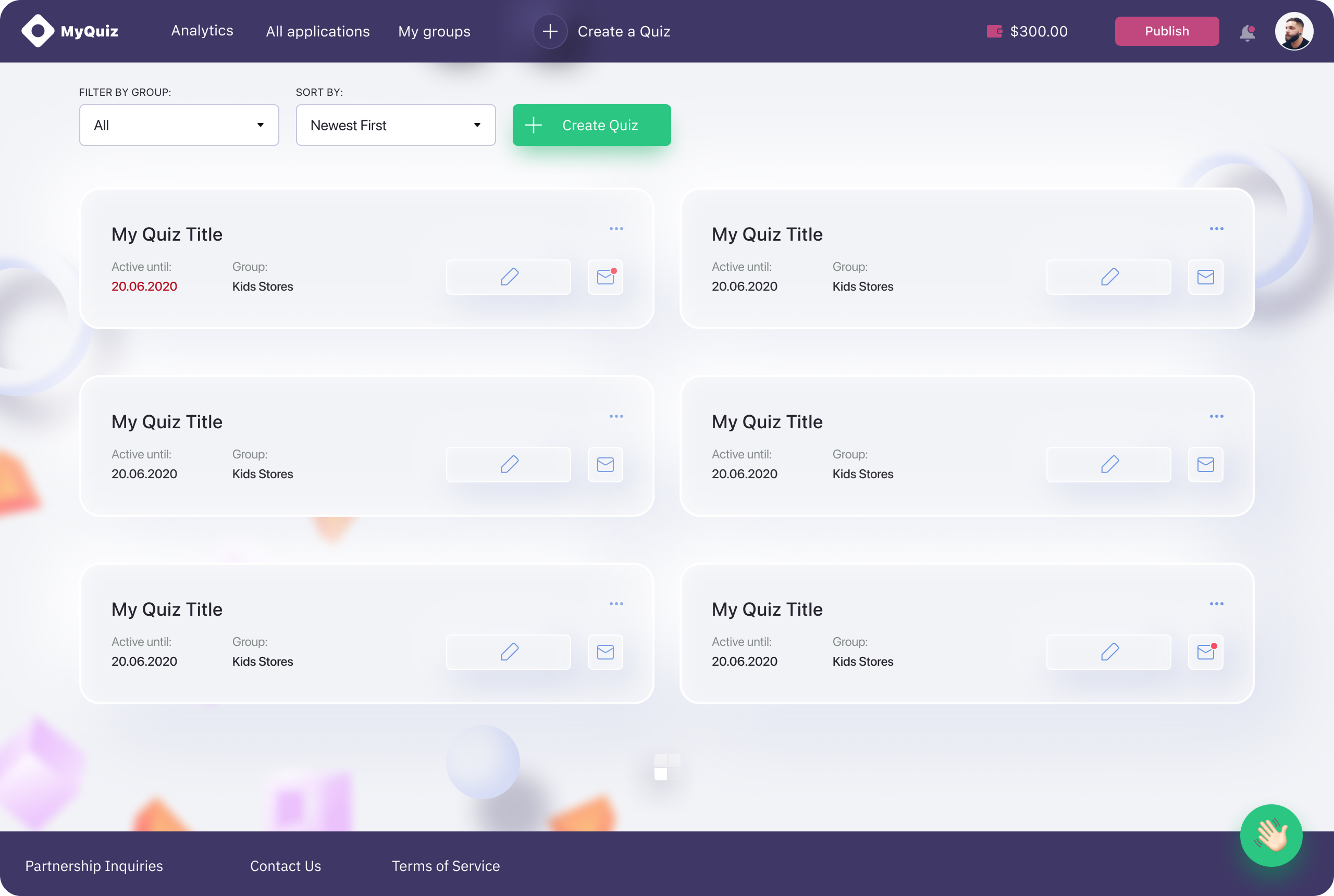
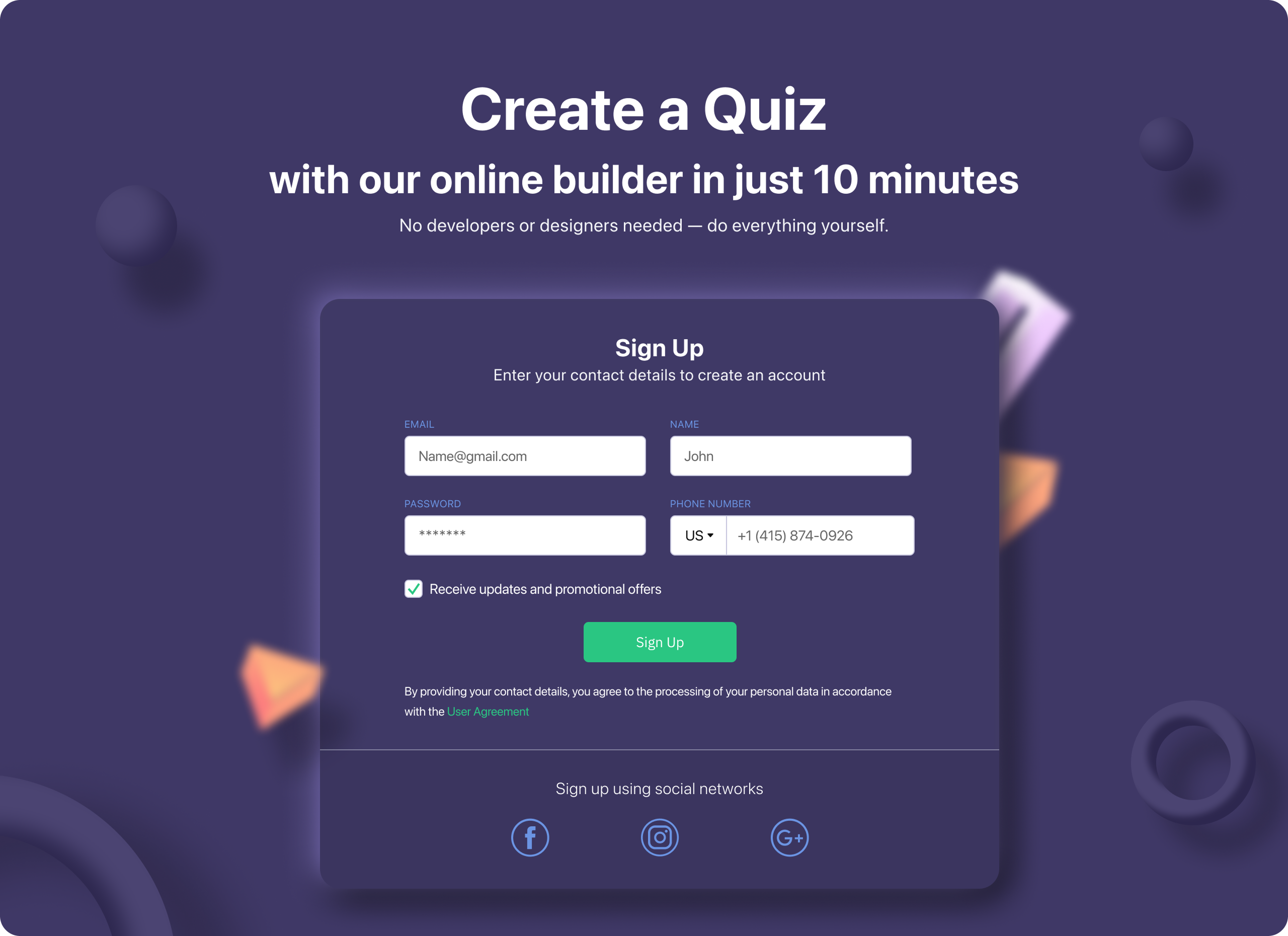
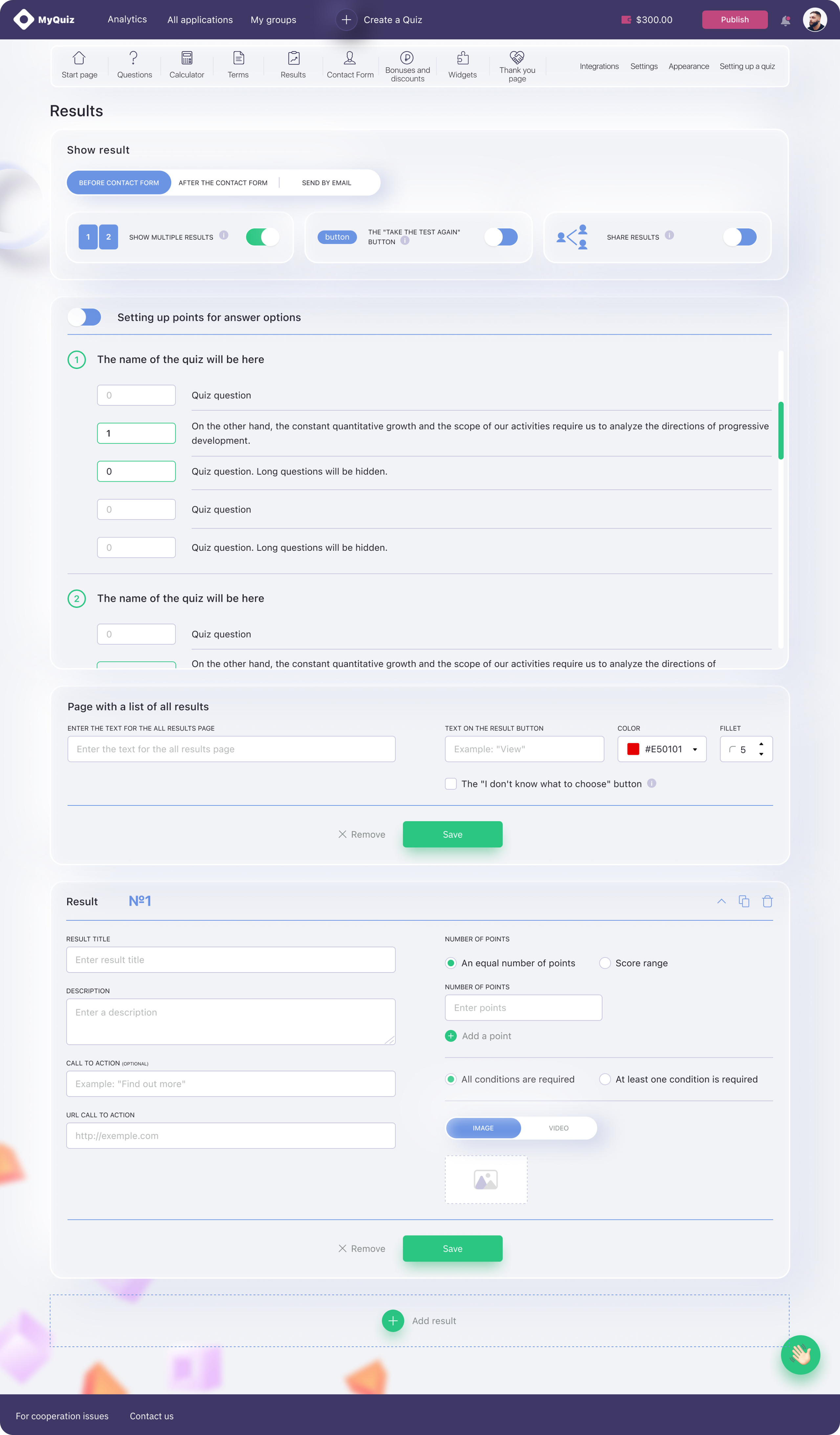
Design an MVP for a SaaS service that allows businesses to create quizzes aimed at increasing sales conversion.
Problem Statement
Traditional quizzes and survey tools are often complex, time-consuming, and not user-friendly.
Users:
Small to medium businesses looking to engage leads and personalize sales funnels.

Design Process

1 Month
2 Month
3 Month
4 Month
5 Month
6 Month
7 Month
8 Month
10 Month
11 Month
12 Month
9 Month
Stakeholder Briefing, User Stories, Competitive analysis
Object-Oriented UX (OOUX)
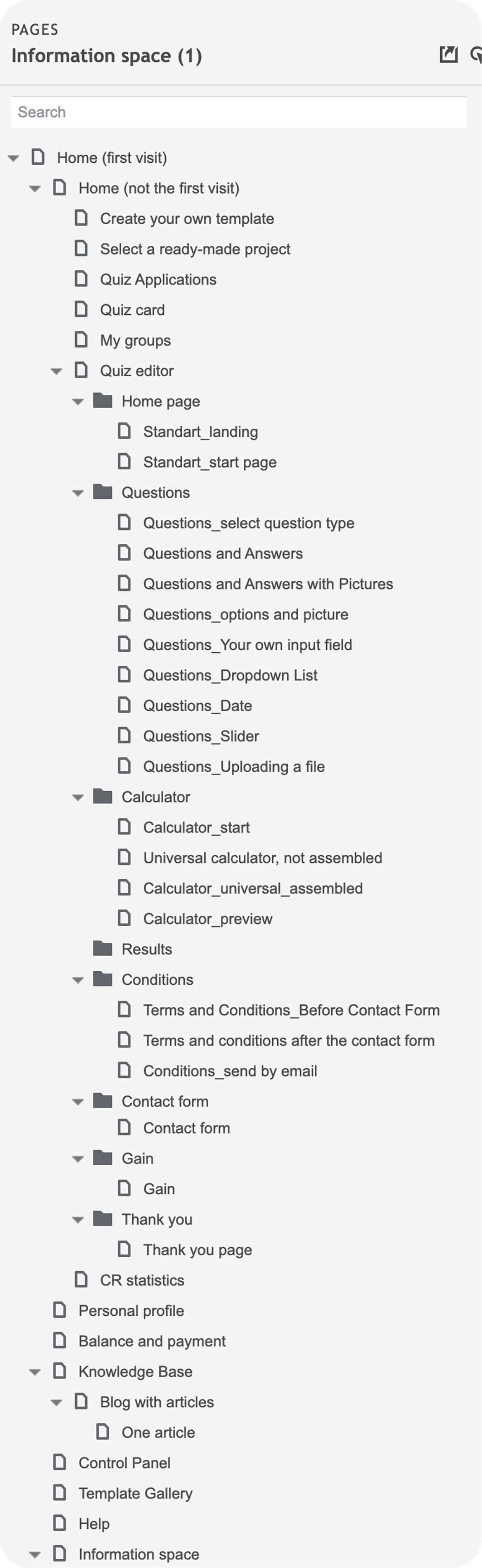
Information Architecture.
User Flow
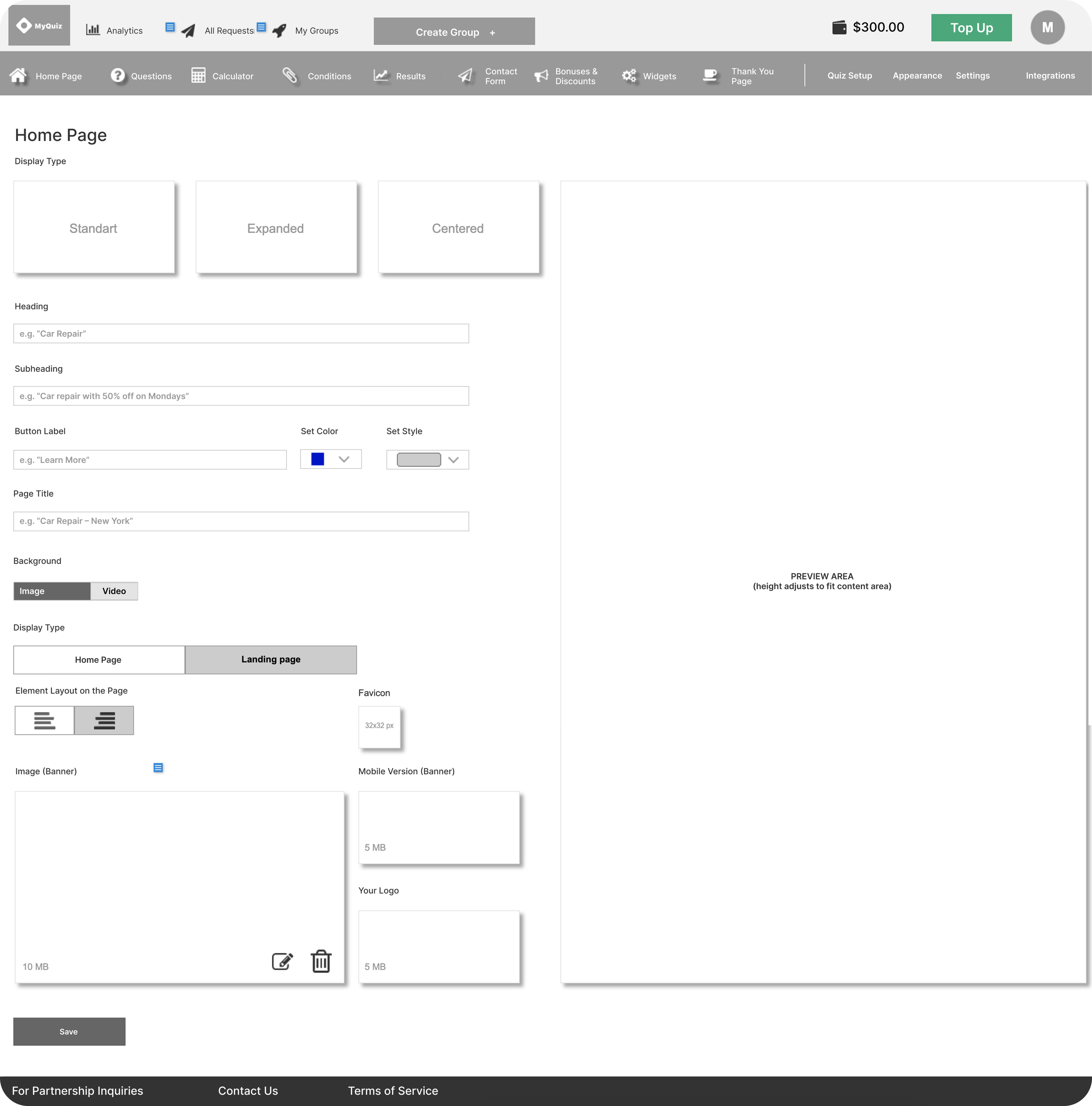
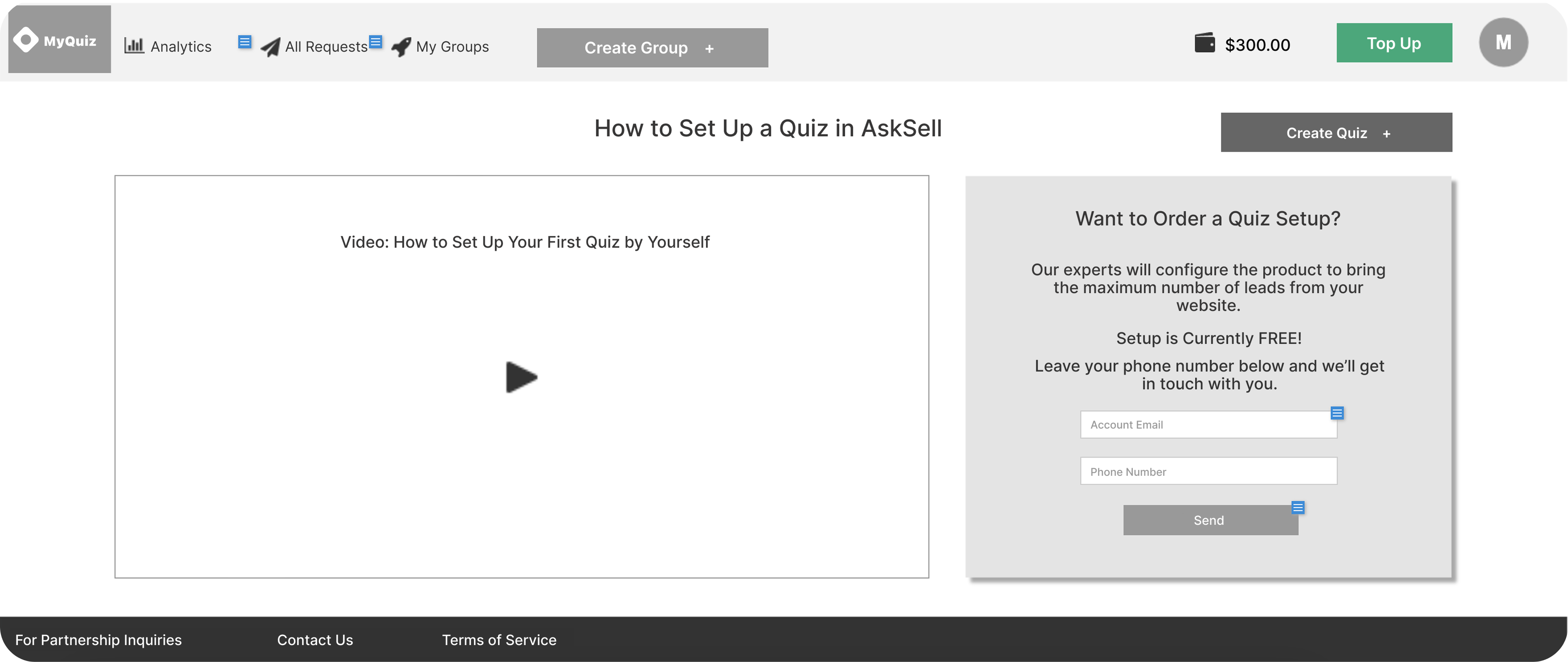
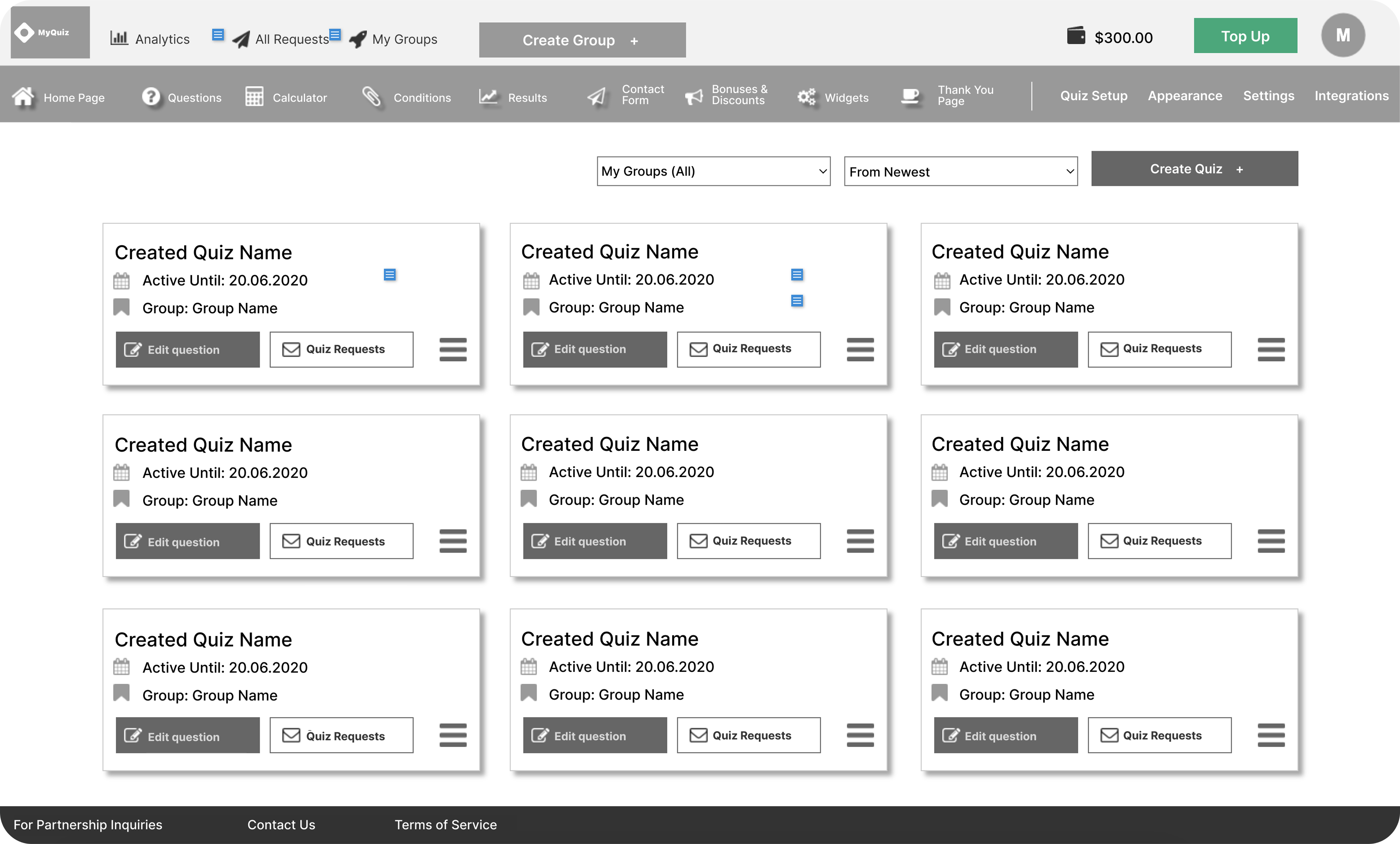
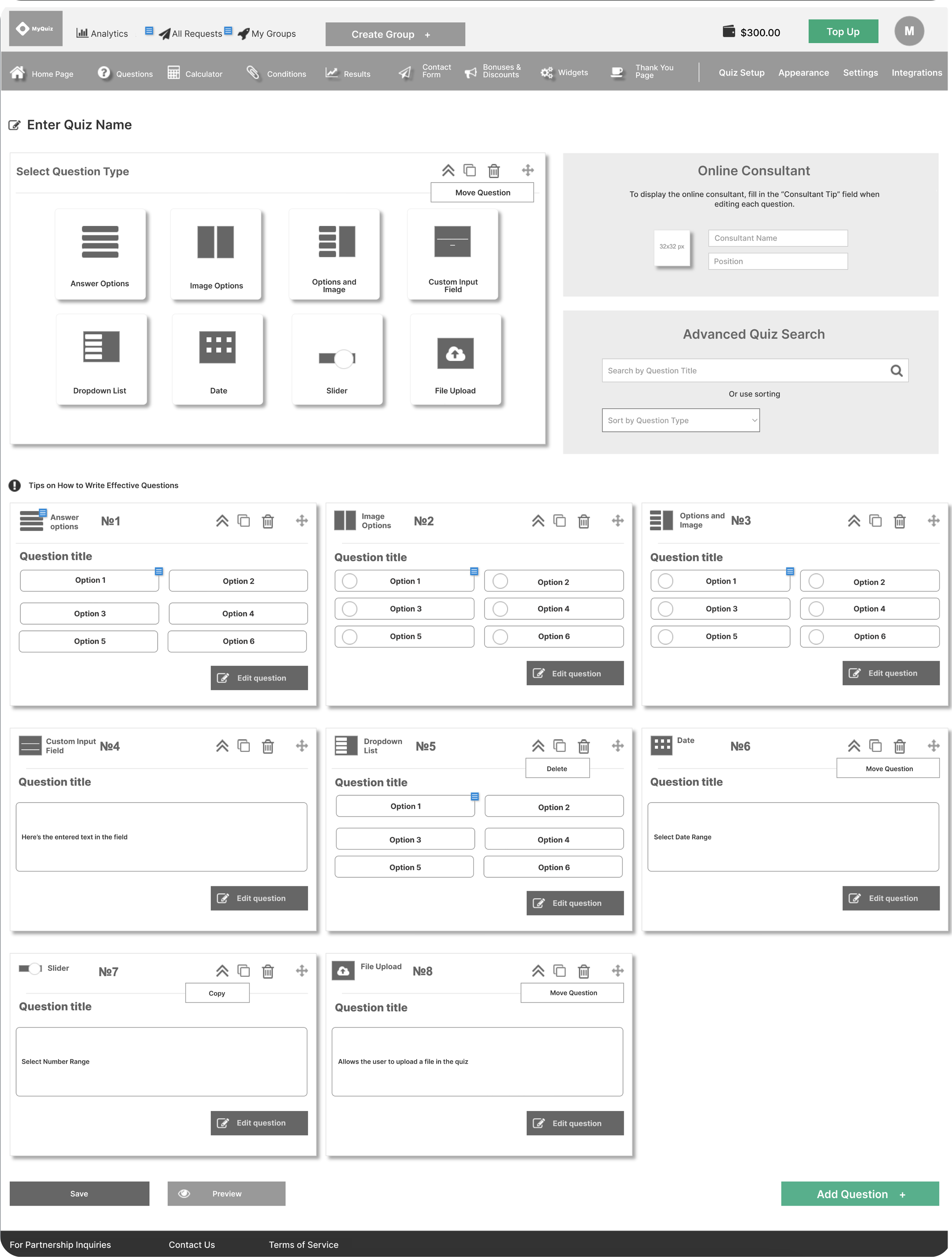
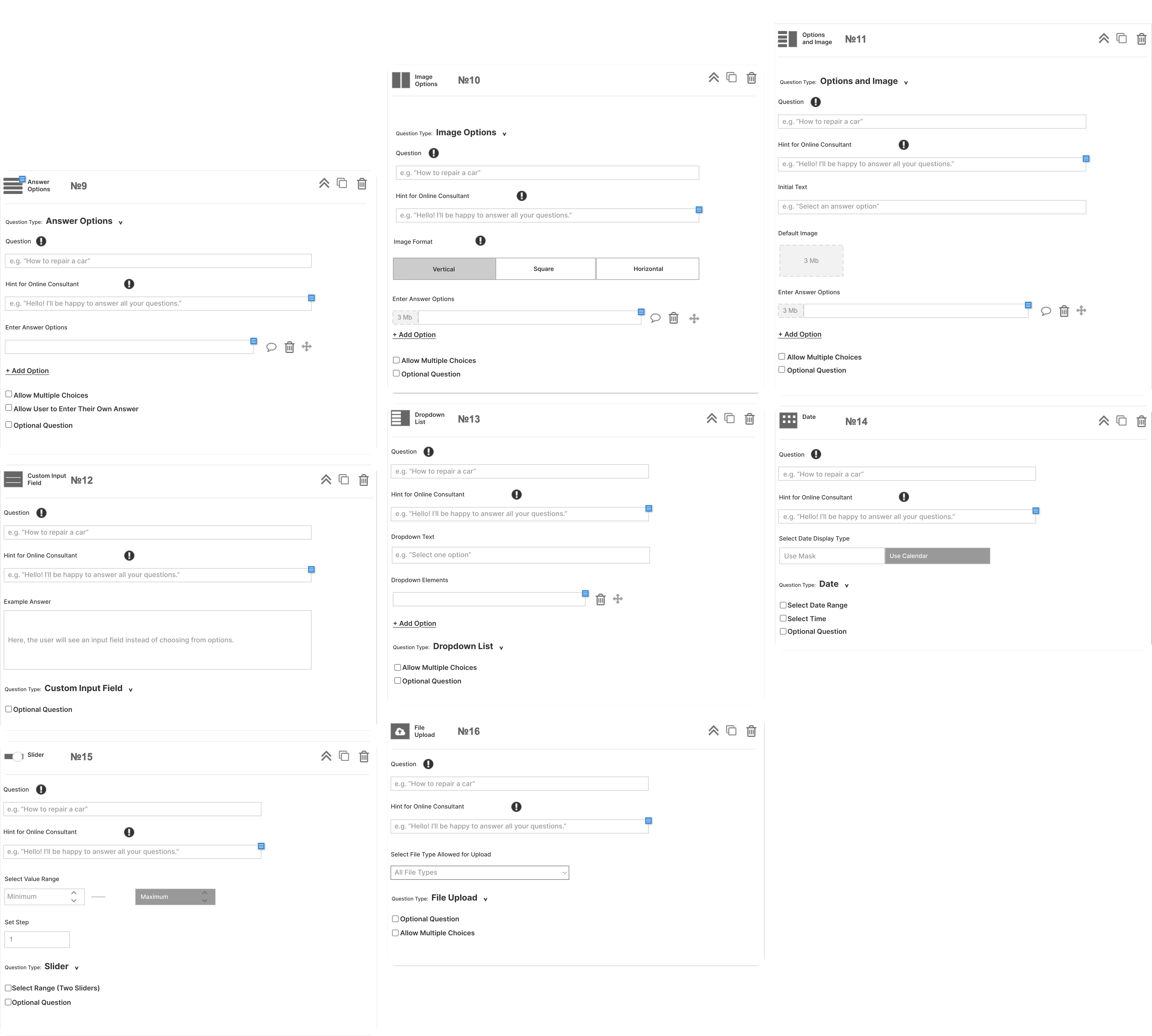
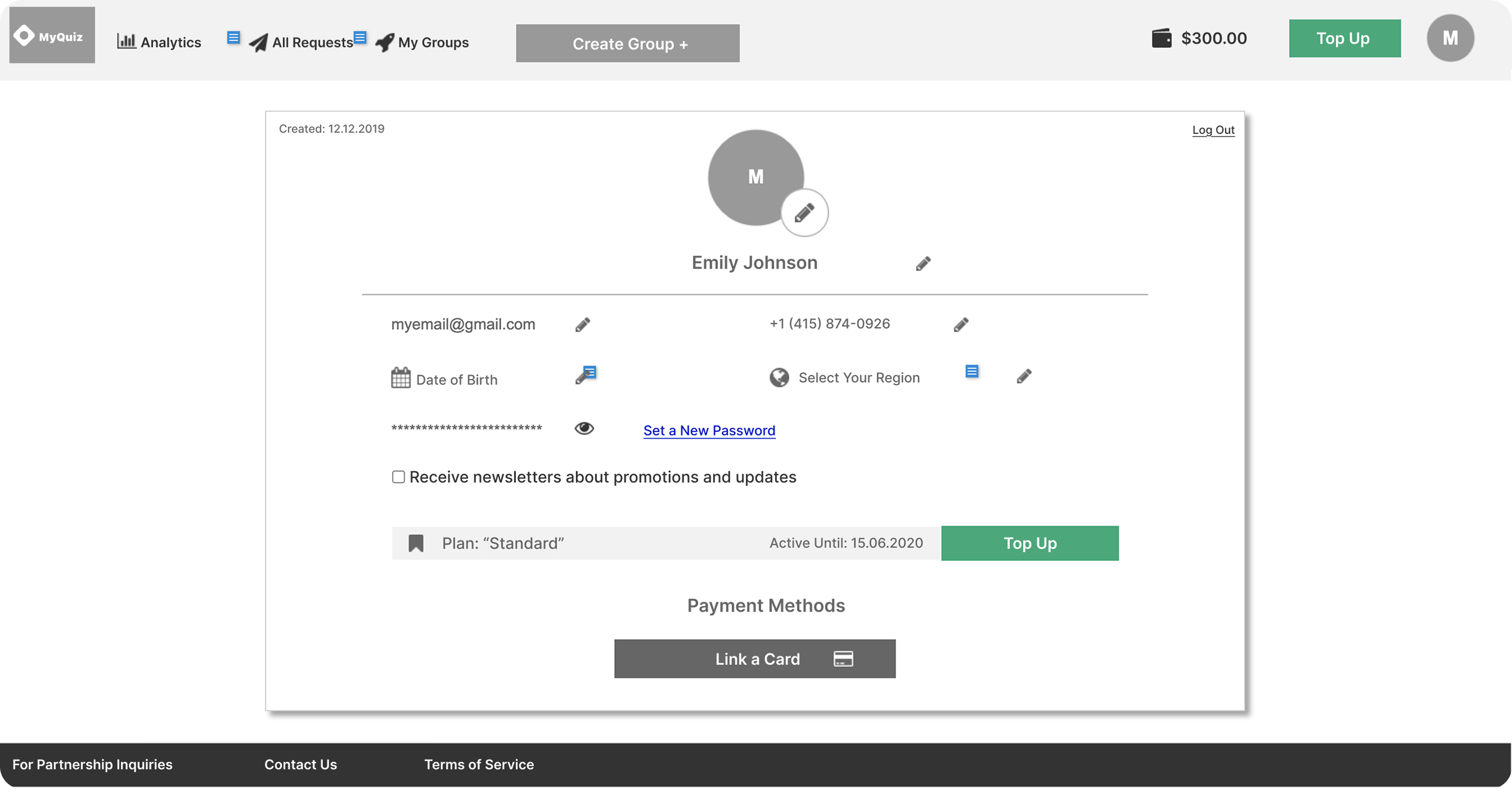
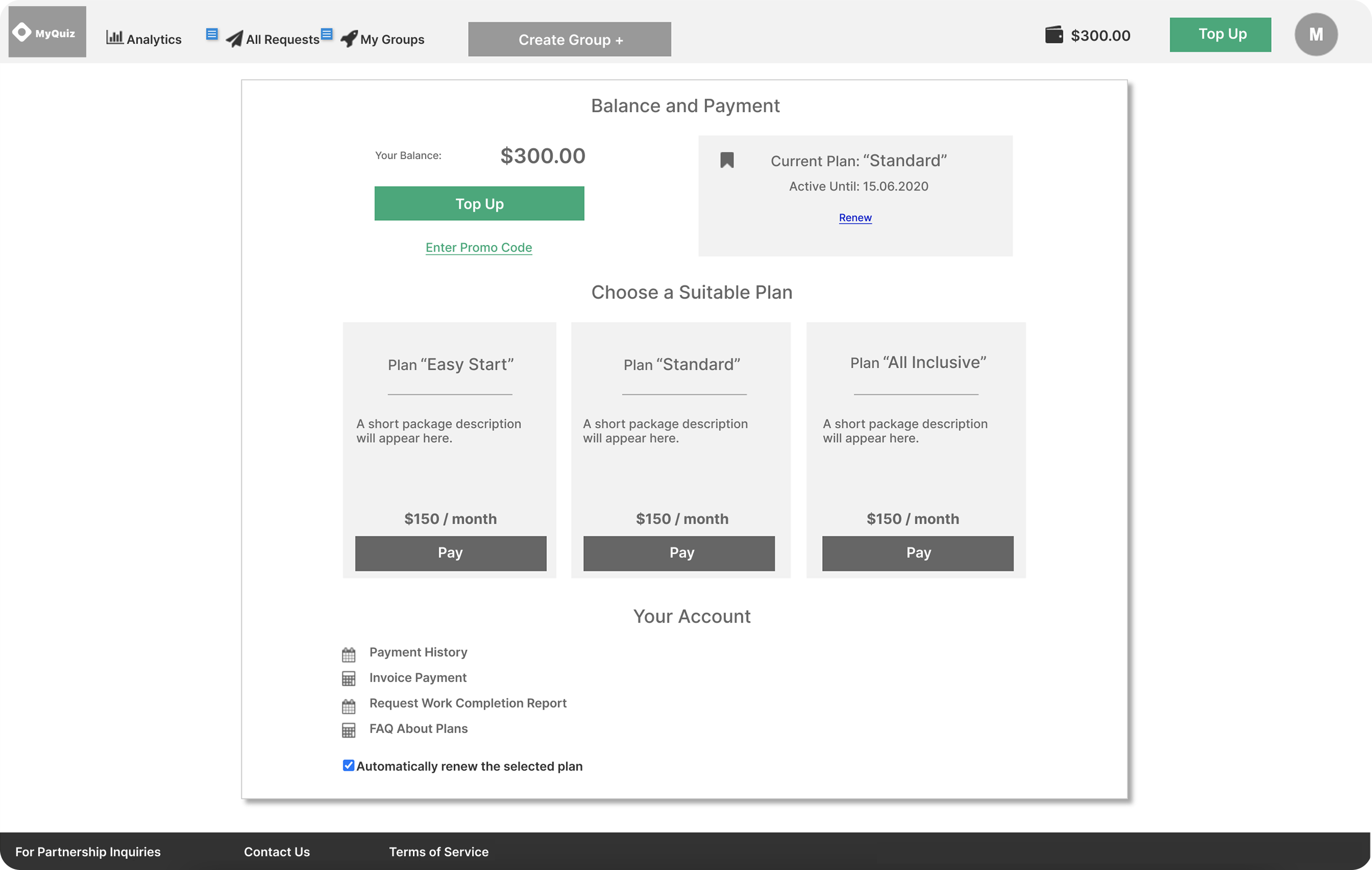
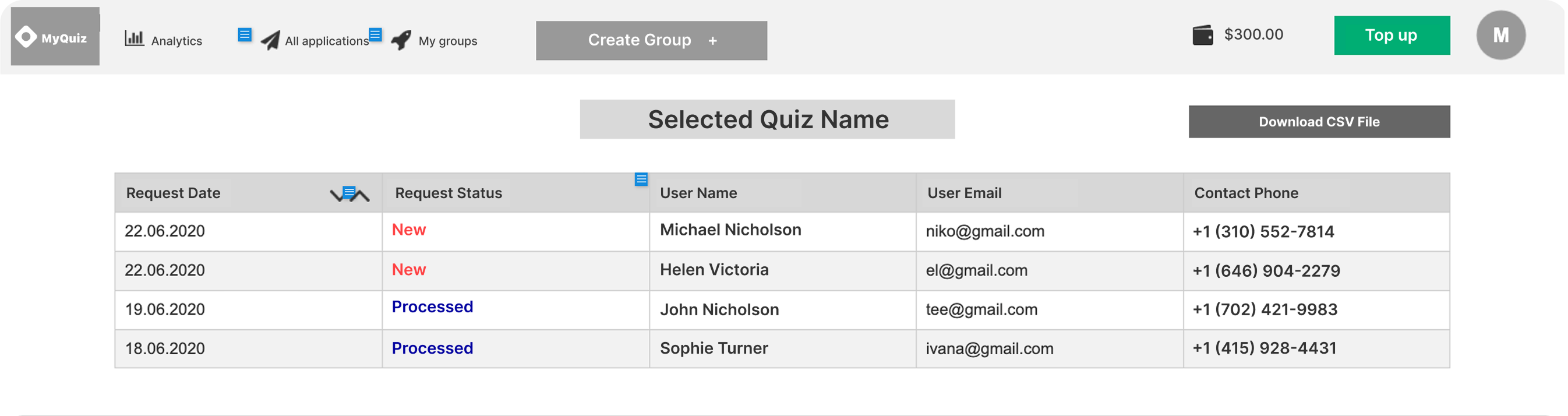
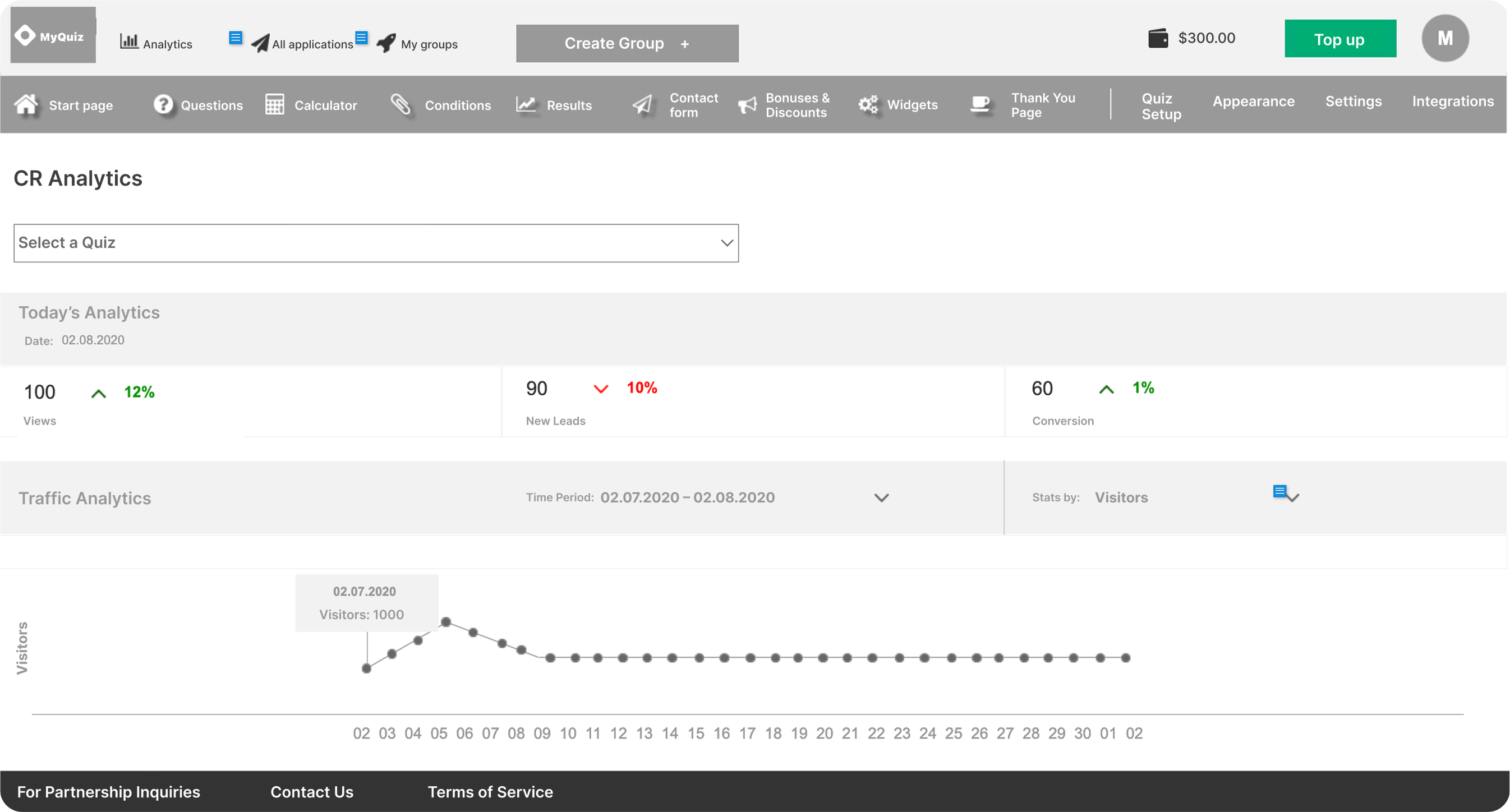
Wireframes
Usability Testing & Itarations
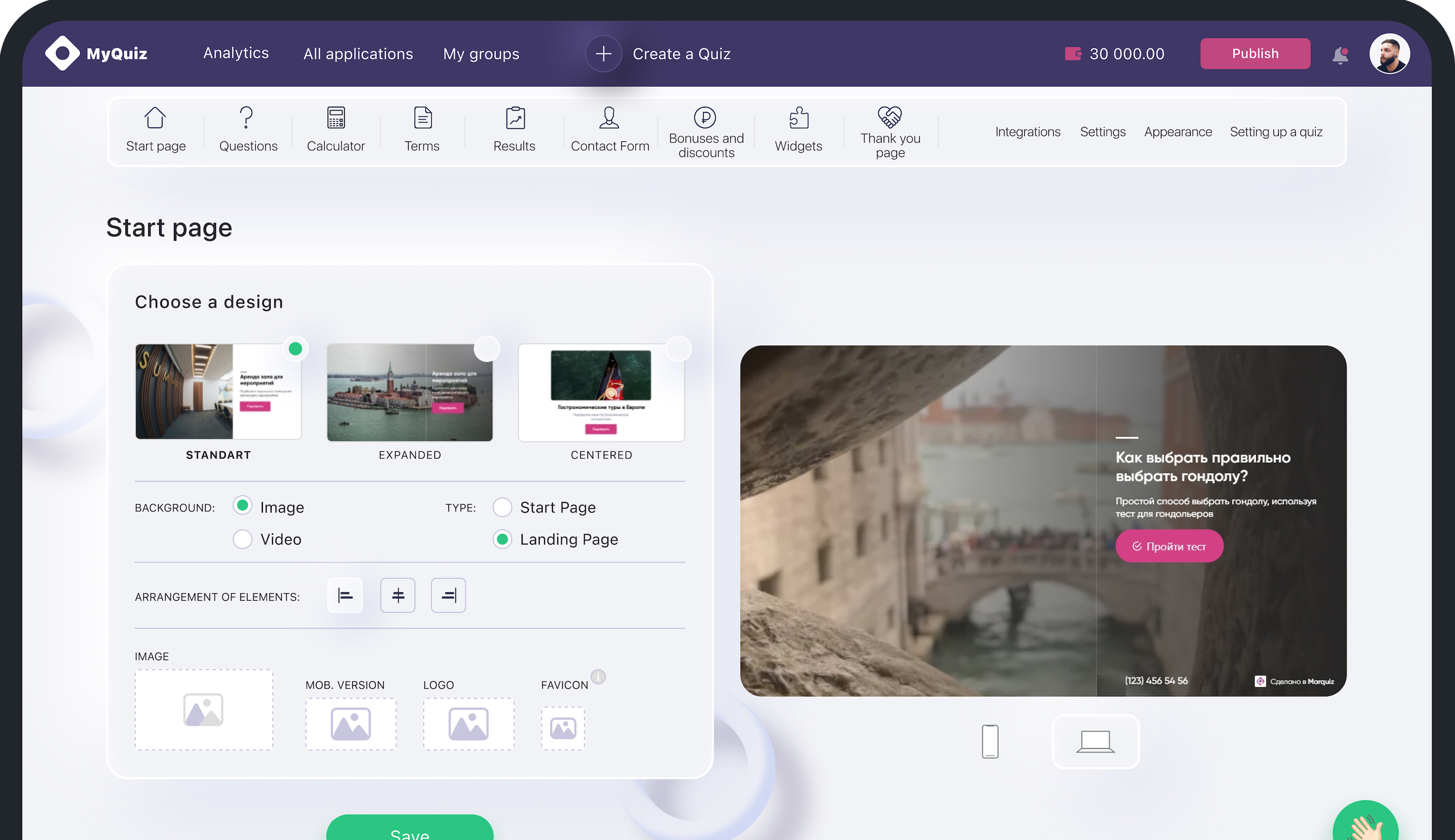
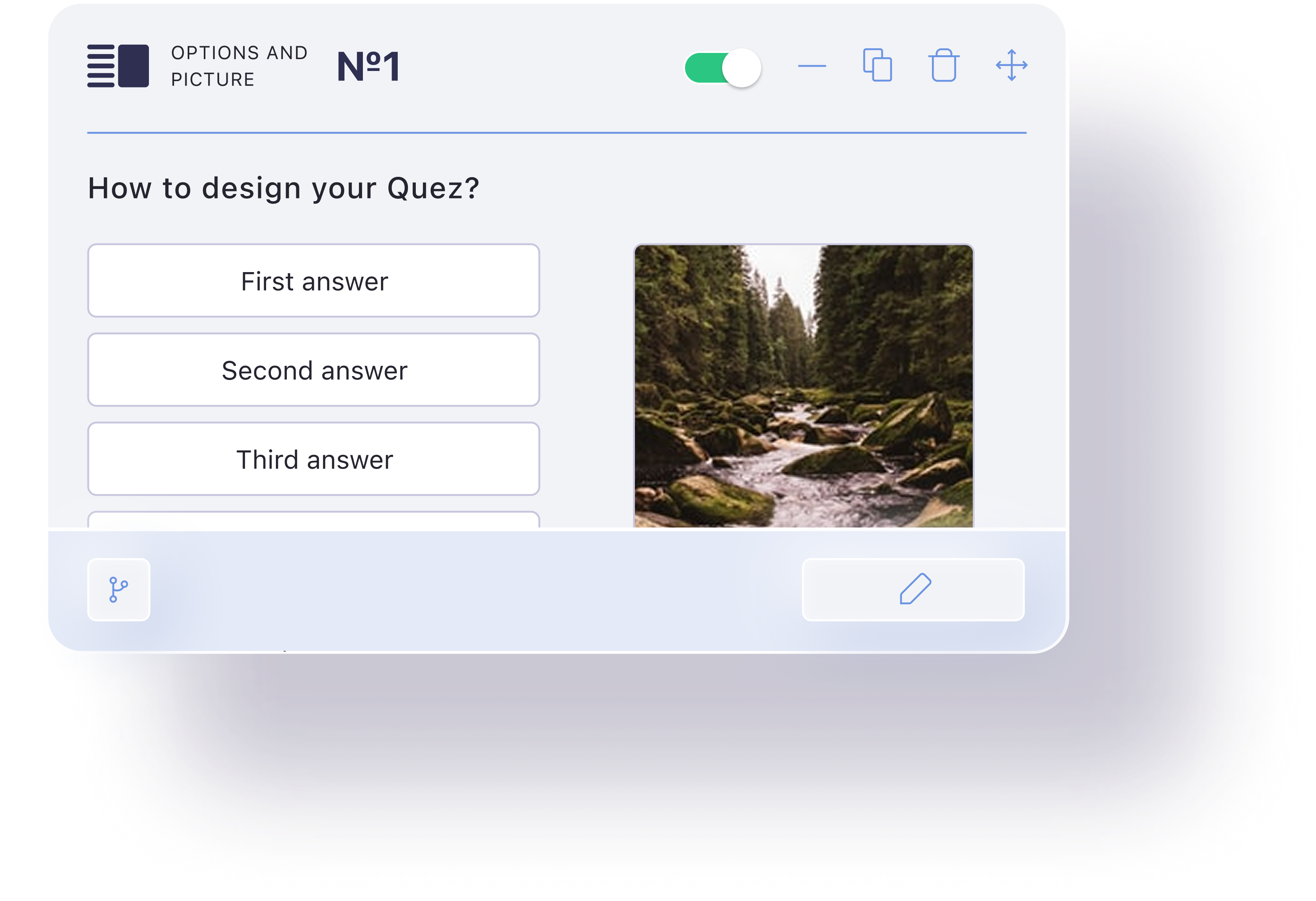
Visual & Design System

Stakeholder Briefing & User Stories

To better understand our users’ challenges, we conducted surveys using Google Forms. This allowed us to quickly collect feedback, identify pain points, and prioritize user needs for further design decisions.
As a Business User:
(small or medium business):
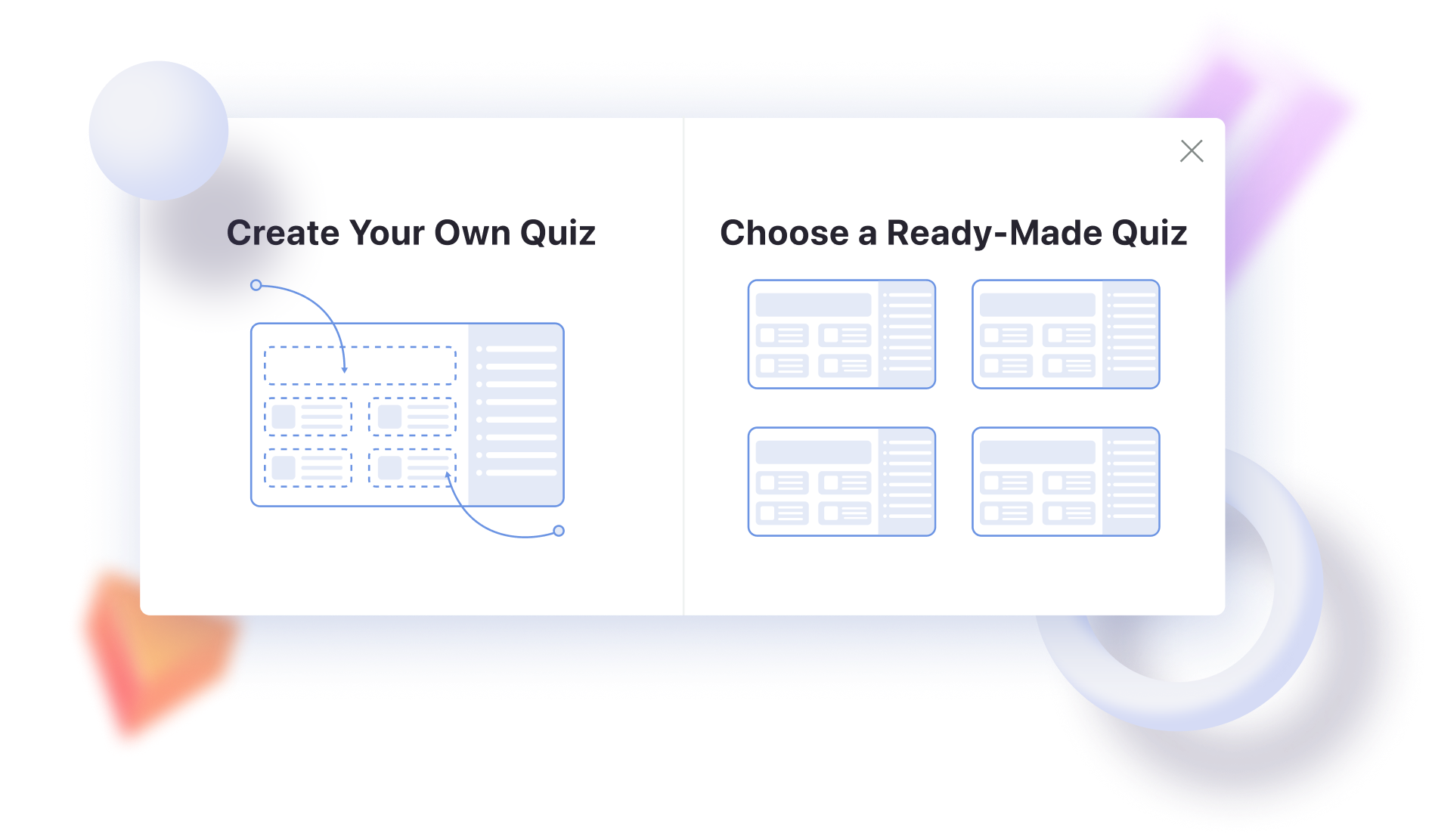
1. I want to create a quiz using pre-made blocks, so that I can build it without needing design or coding skills.
2. I want to customize the quiz design to match my brand, so that it looks professional on my website.
3. I want to preview my quiz before publishing, so that I can be sure everything works as intended.
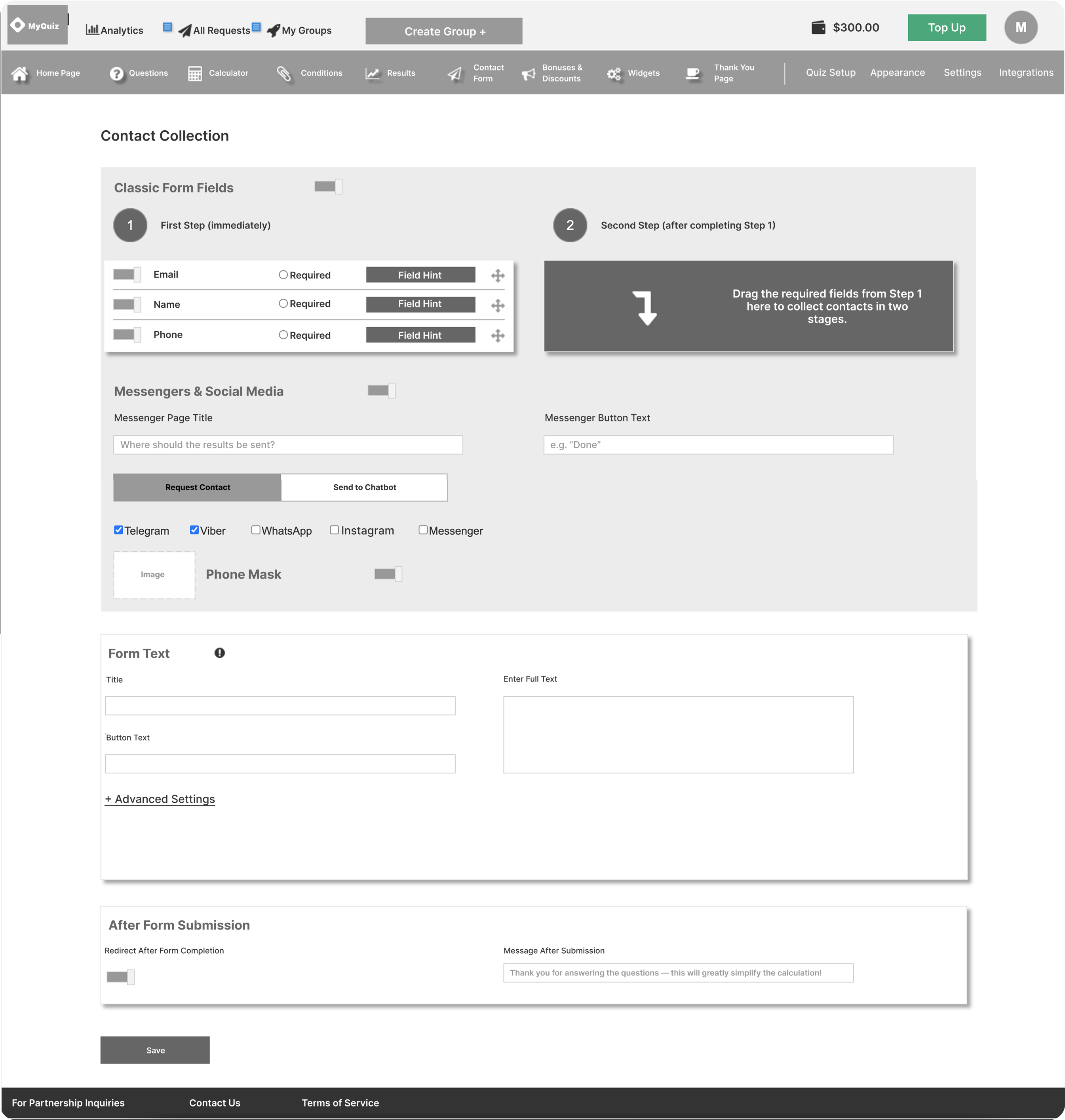
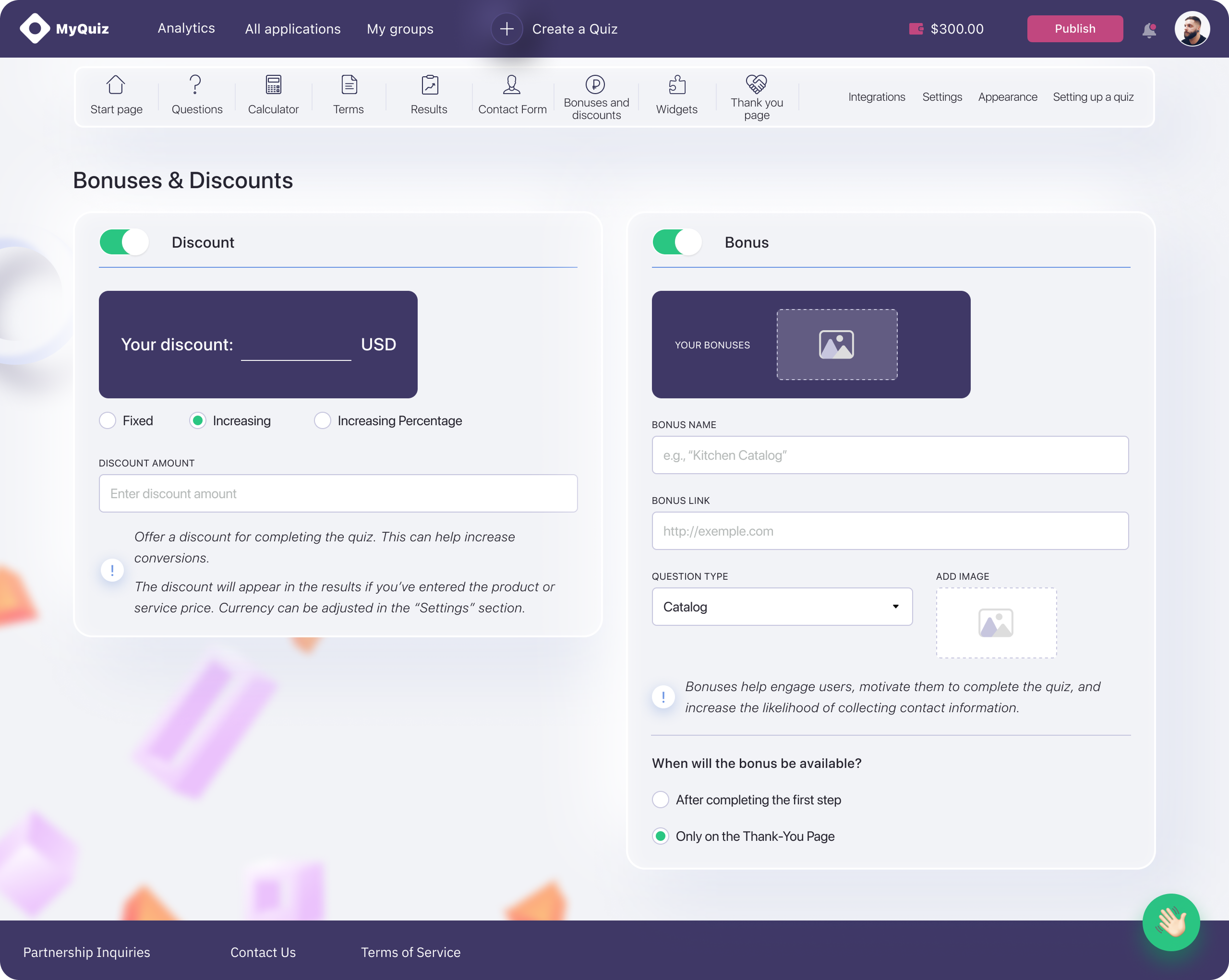
4. I want to collect leads through the quiz, so that I can grow my customer base.
5. I want to integrate quiz results with CRM so that my sales team can follow up quickly.
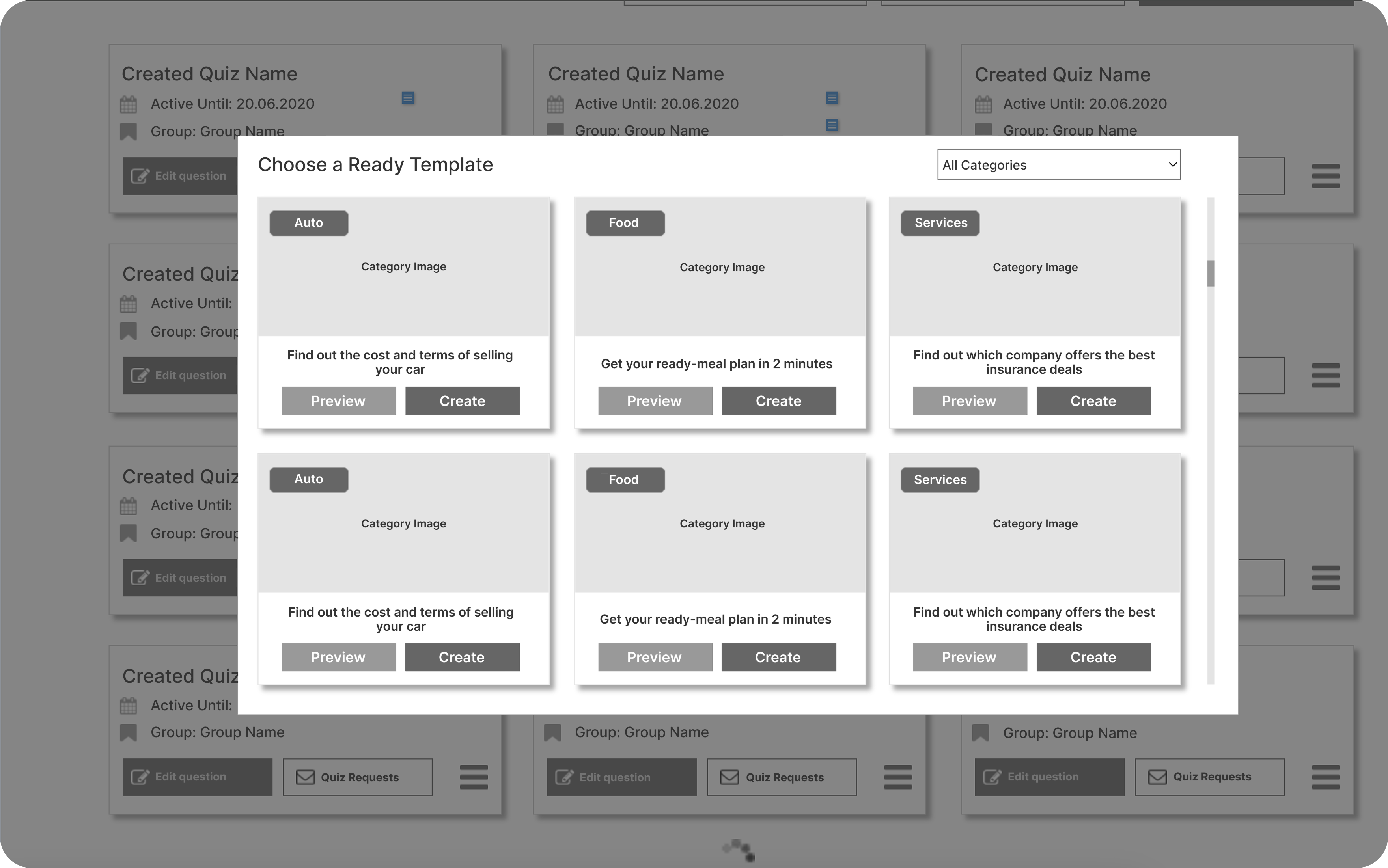
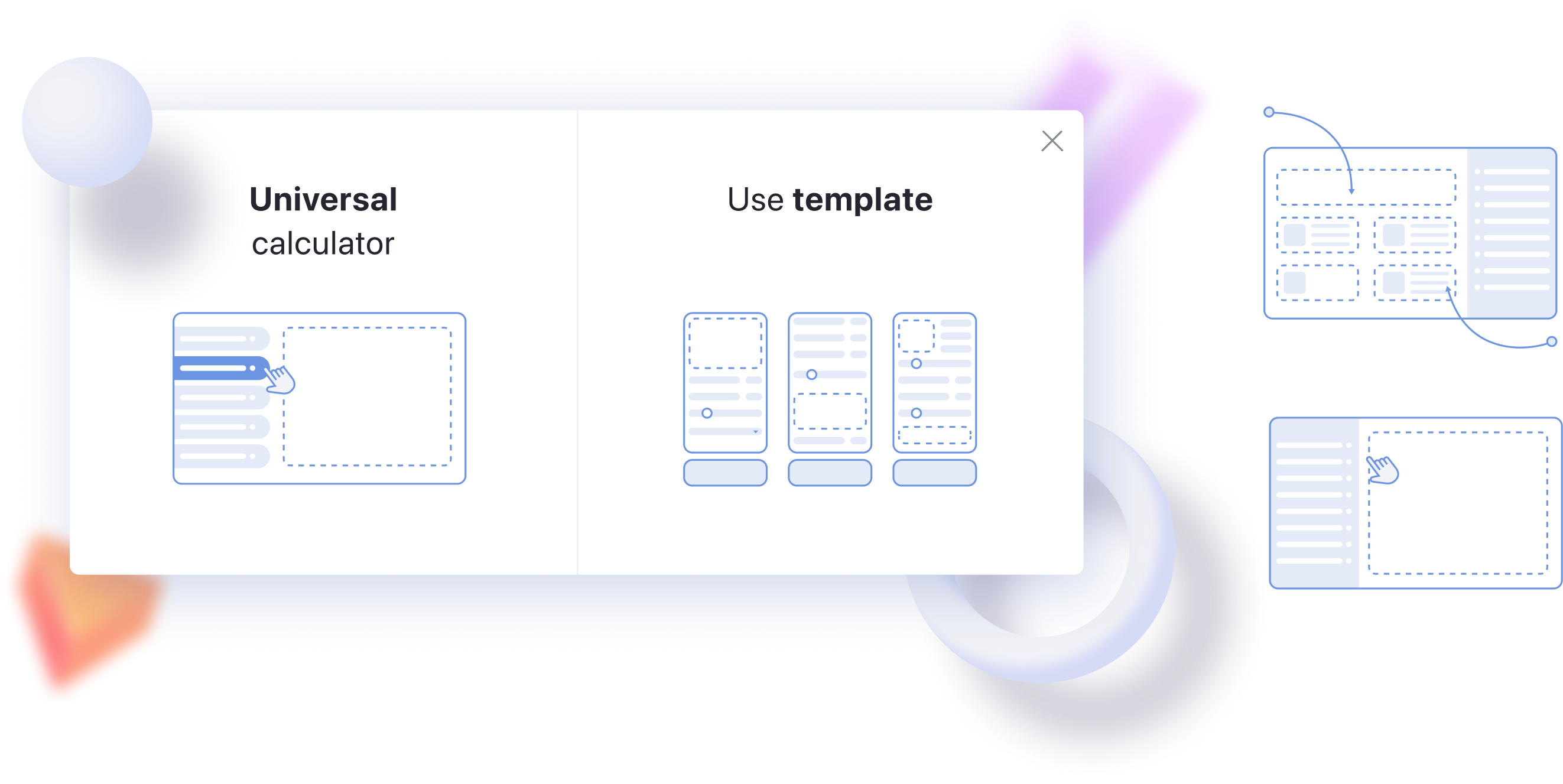
6. I want to use ready-made quiz templates, so that I don’t have to build one from scratch.
7. I want to request help from a quiz expert, so that a professional can build a high-converting quiz for me.
As a New User:
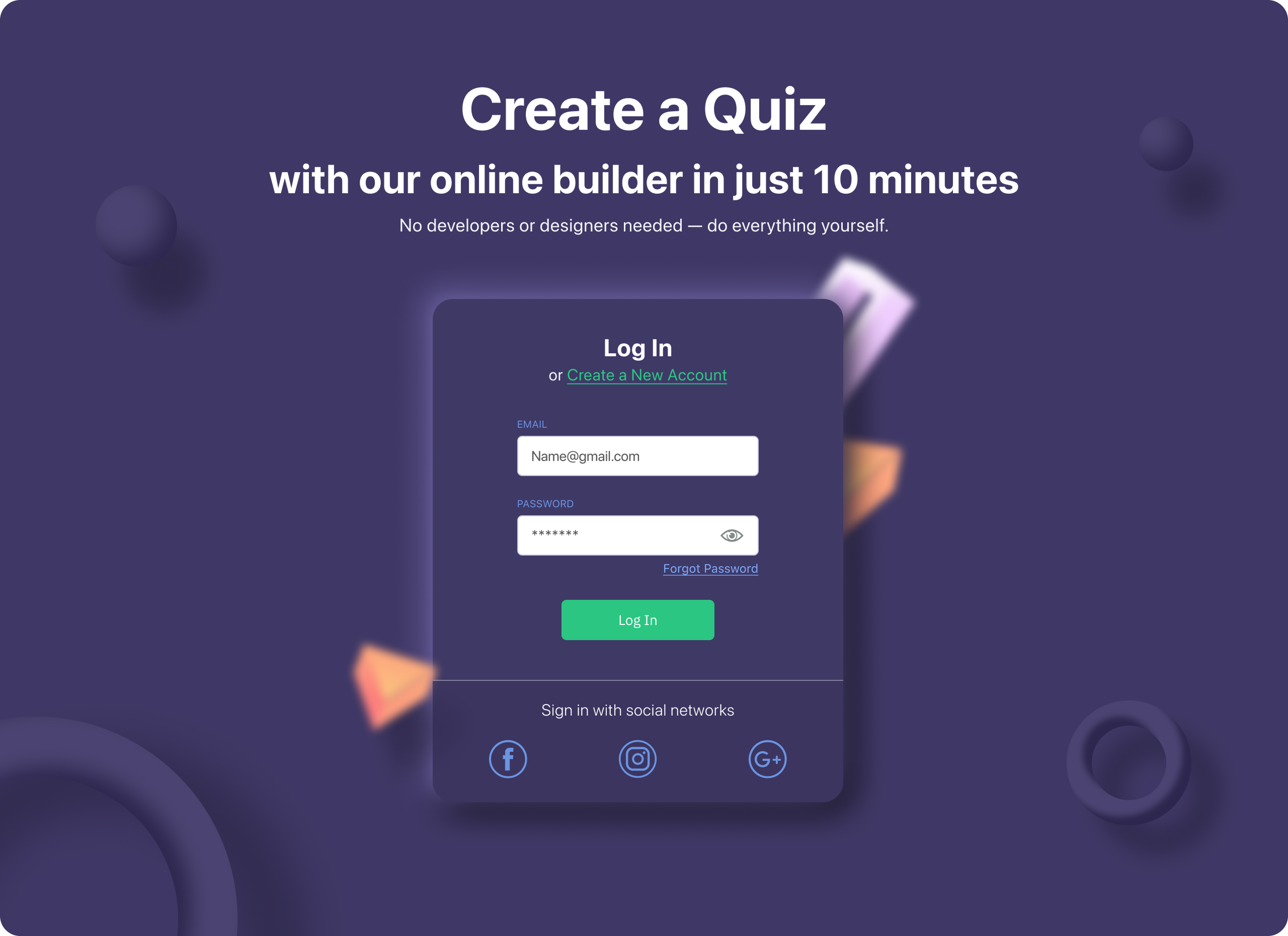
1. I want to quickly register and start creating a quiz, so that I can try the service without friction.
2. I want to see onboarding tips, so that I understand how to use the platform.
As a Manager:
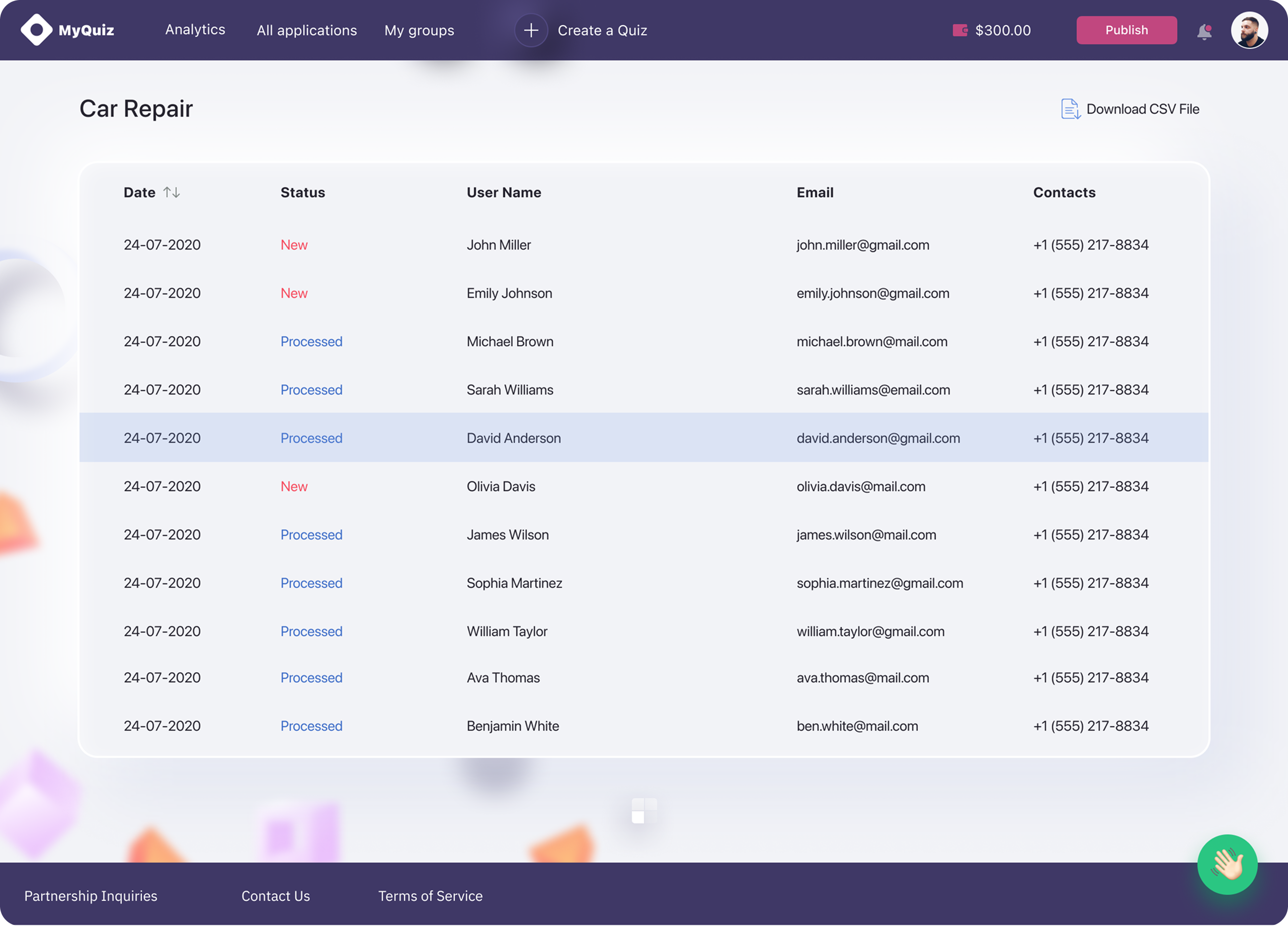
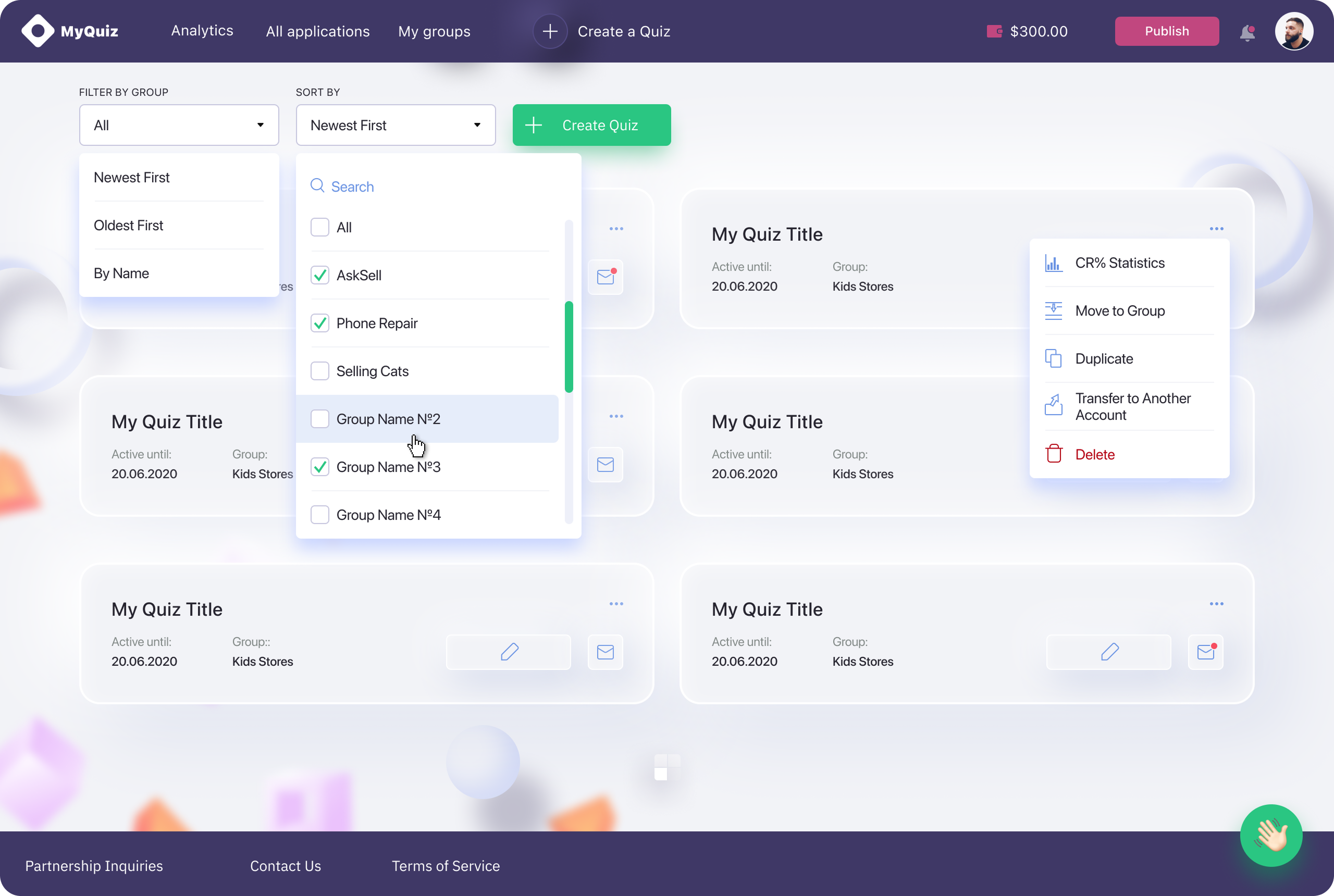
1. I want to view quiz results in a dashboard, so that I can analyze performance and conversion.
2. I want to export leads and answers to CSV, so that I can use the data in other tools.

From the user stories,
we identified the following key pain points.

Difficulty building quizzes without technical skills
Limited customization to match brand identity
Lack of ready-made templates
Poor integration with CRM tools like amoCRM and WP
No access to expert help when needed
Confusing onboarding experience for new users
No way to preview the quiz before publishing

Competitive Analysis

The next step was to analyze how other players in the market solve similar problems and identify opportunities for our quiz platform to stand out by providing a smarter solution.
Simple interface
quizzz.com
wayground.com
darkquiz.com
quizgo.com
lpmotor.com
Customization of quiz styles
Quiz templates
Integration with CRM
Expert help
Simple onboarding
Preview the quiz before publishing

Insights

from the Competitive analysis
We realized that integrating with popular CRMs is a must, since all of our competitors offer this feature.
We need to provide quiz templates, only one competitor offers them, and they’re currently the market leader.
We should offer users the abilityto order a custom quiz built by one of our specialists.
We need to create a simple and intuitive onboarding experience. Based on our research, platforms that lack onboarding tend to have usability issues and cause user frustration.

Object-Oriented UX

User
Properties
Data Type
Is Null
CC:min
CC:max
User_ID
ID
user_id
user_id
A
Chrysanthemumizer
User_ID
Name

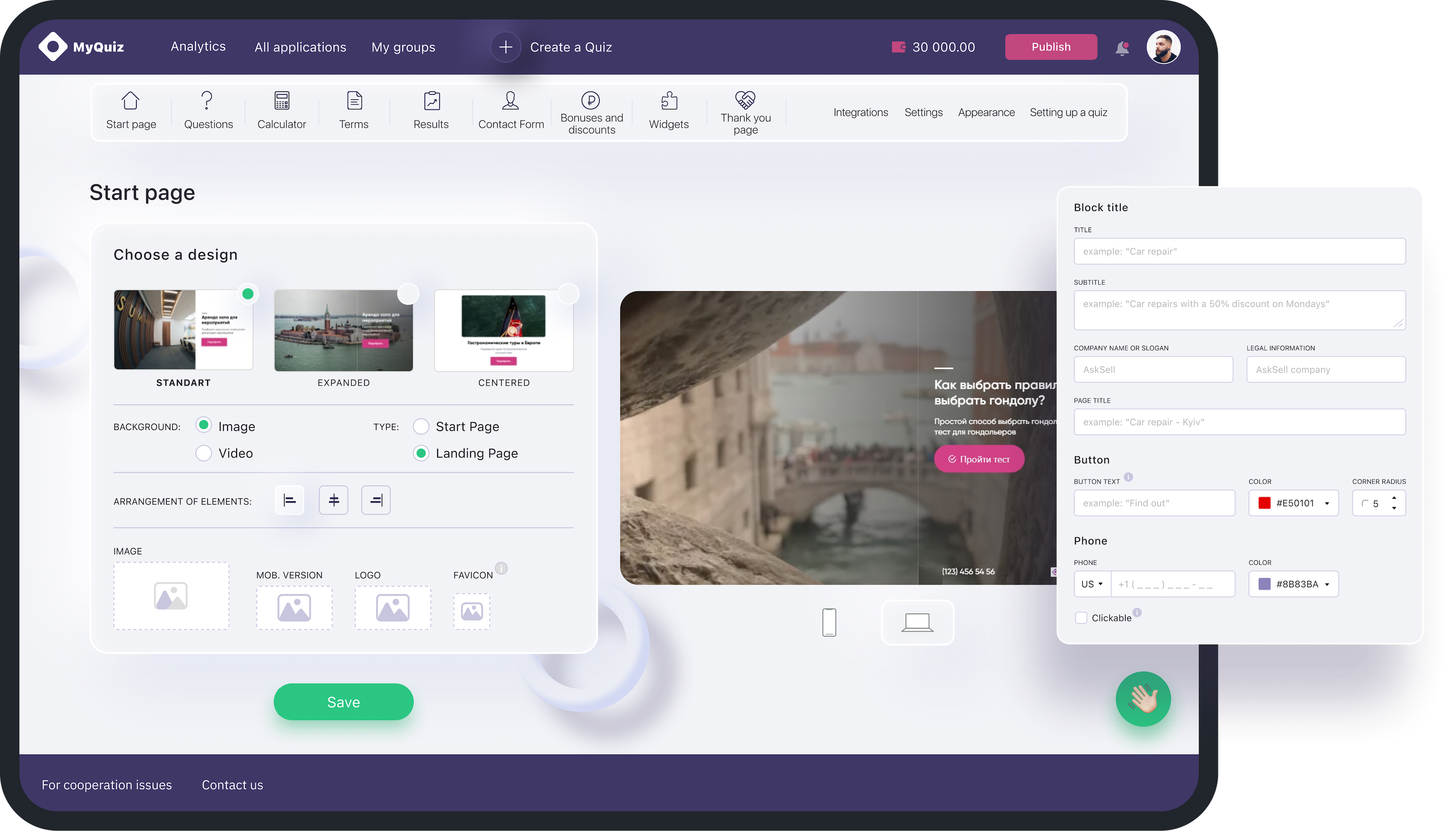
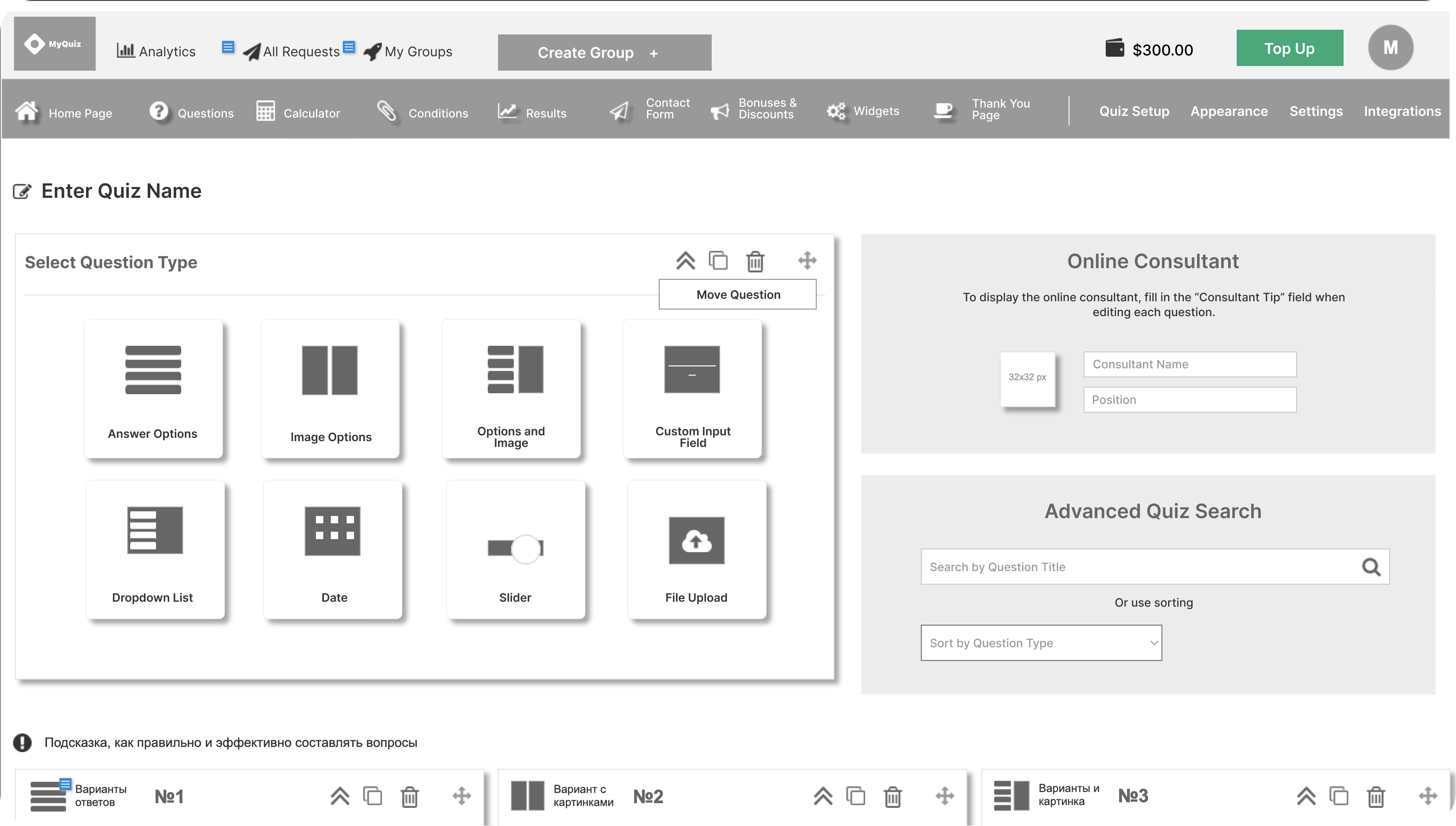
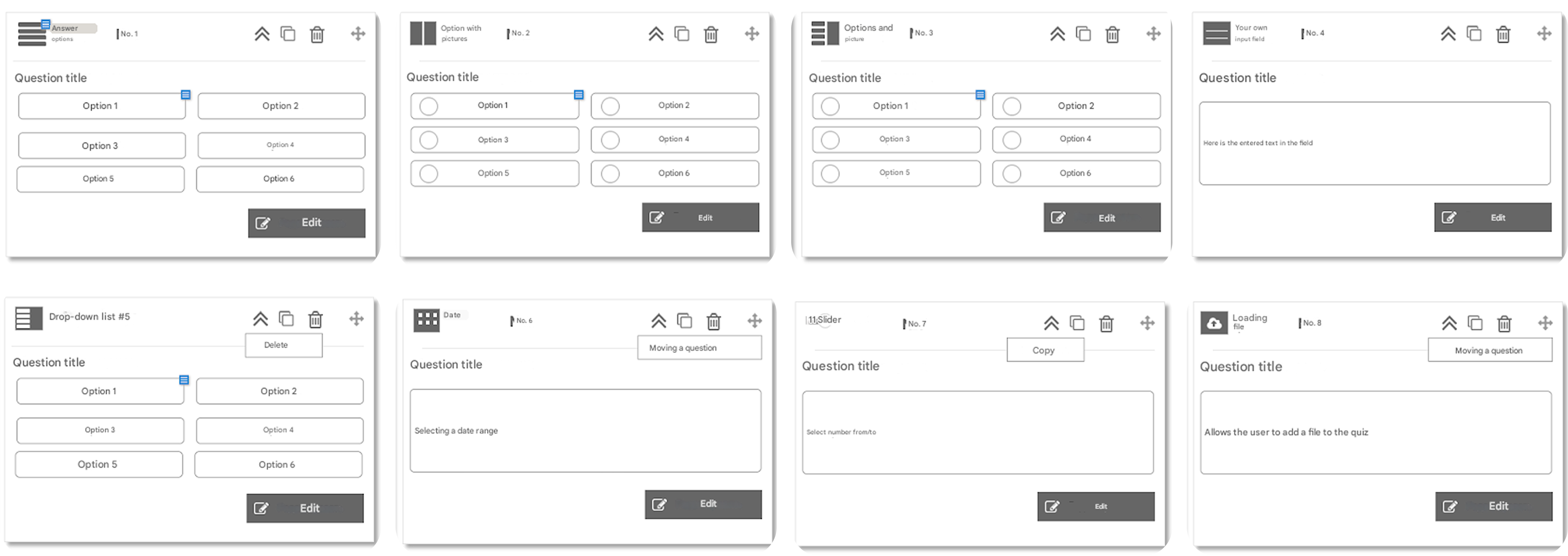
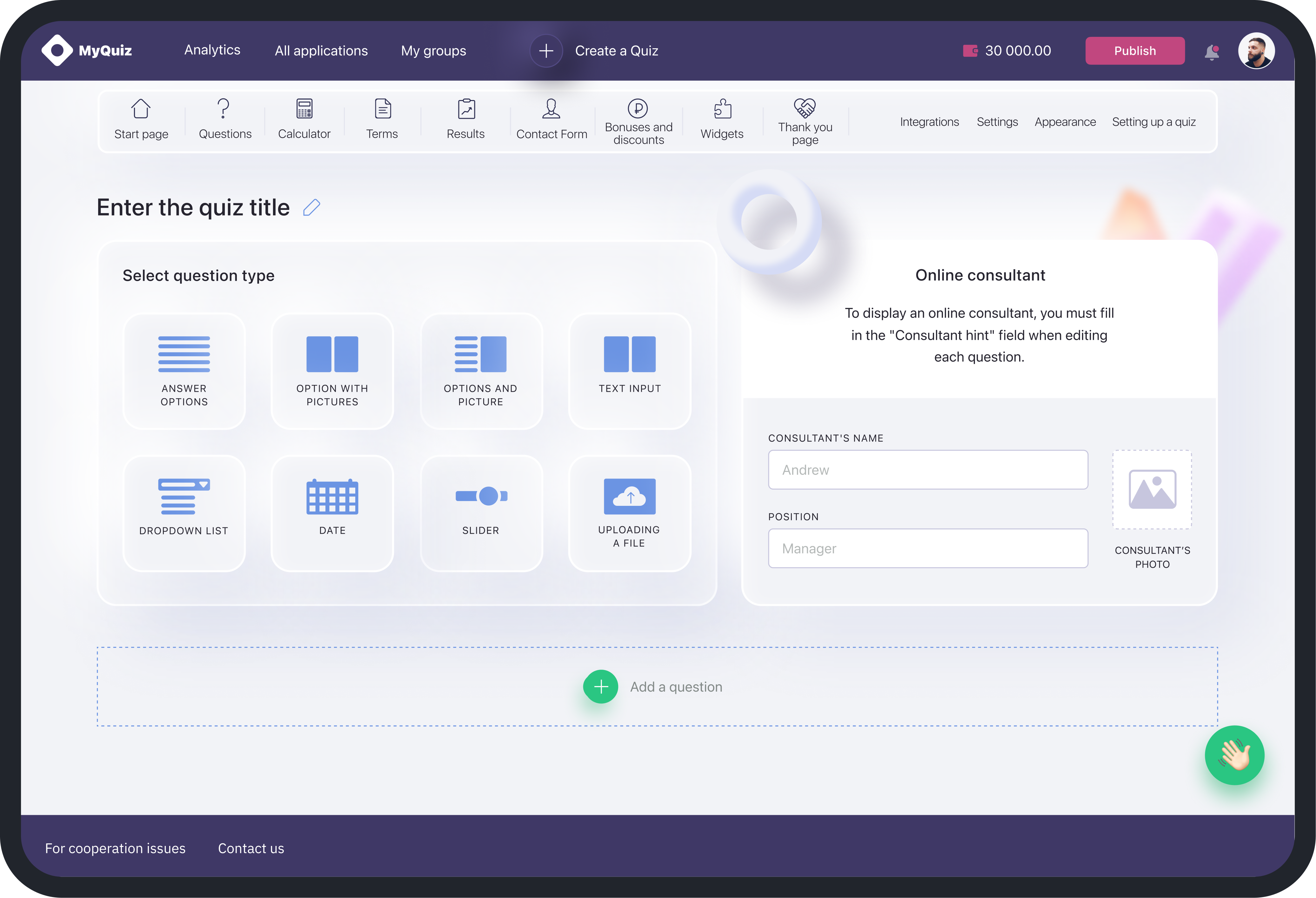
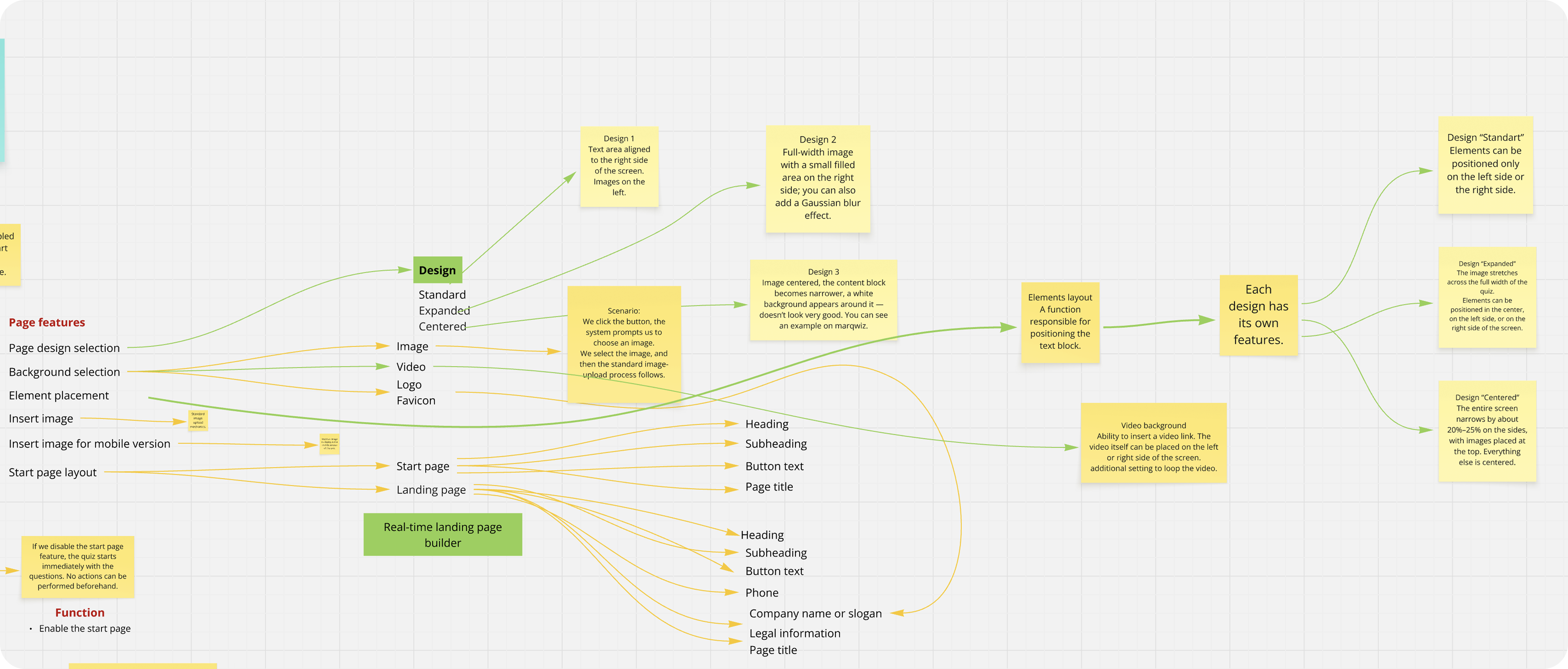
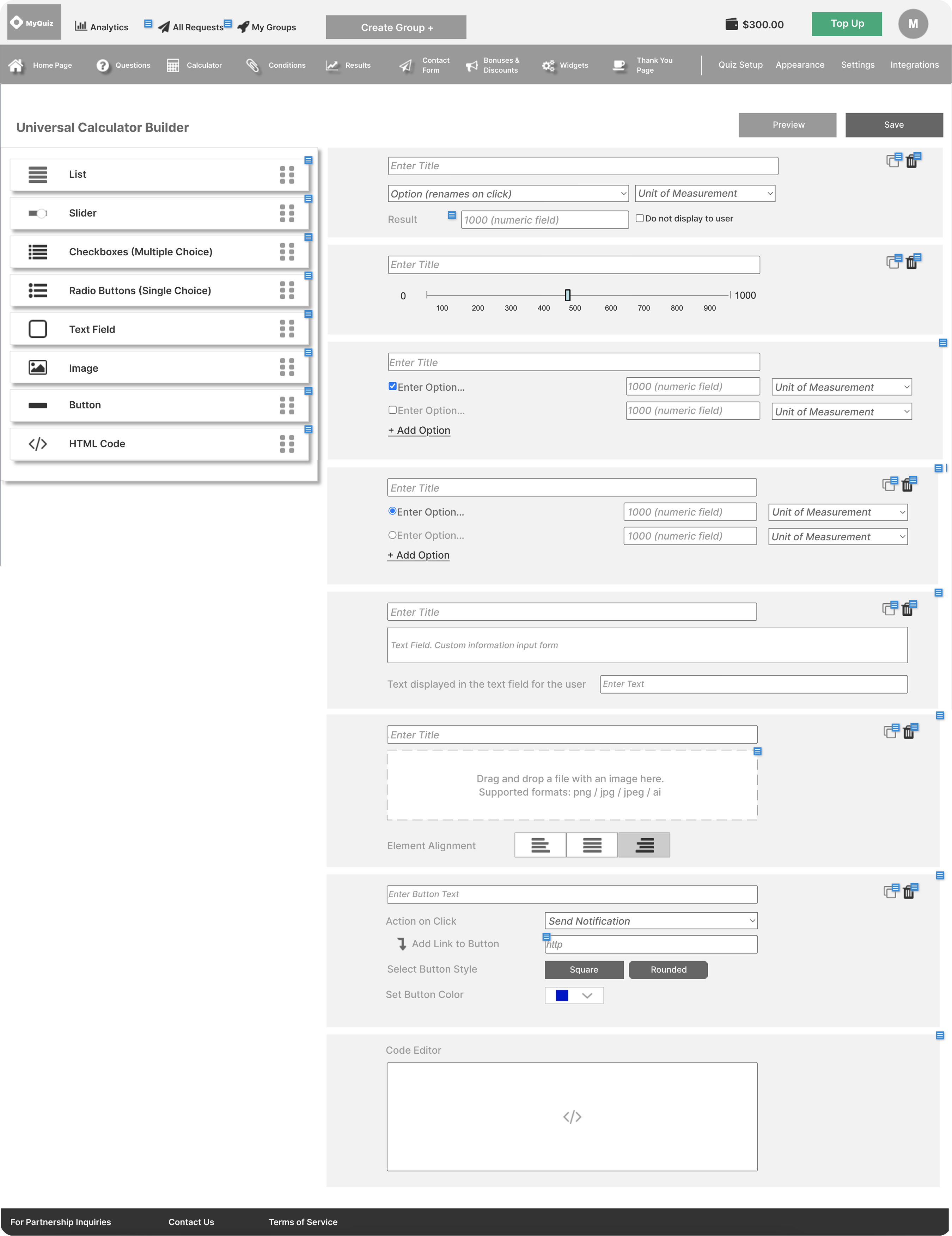
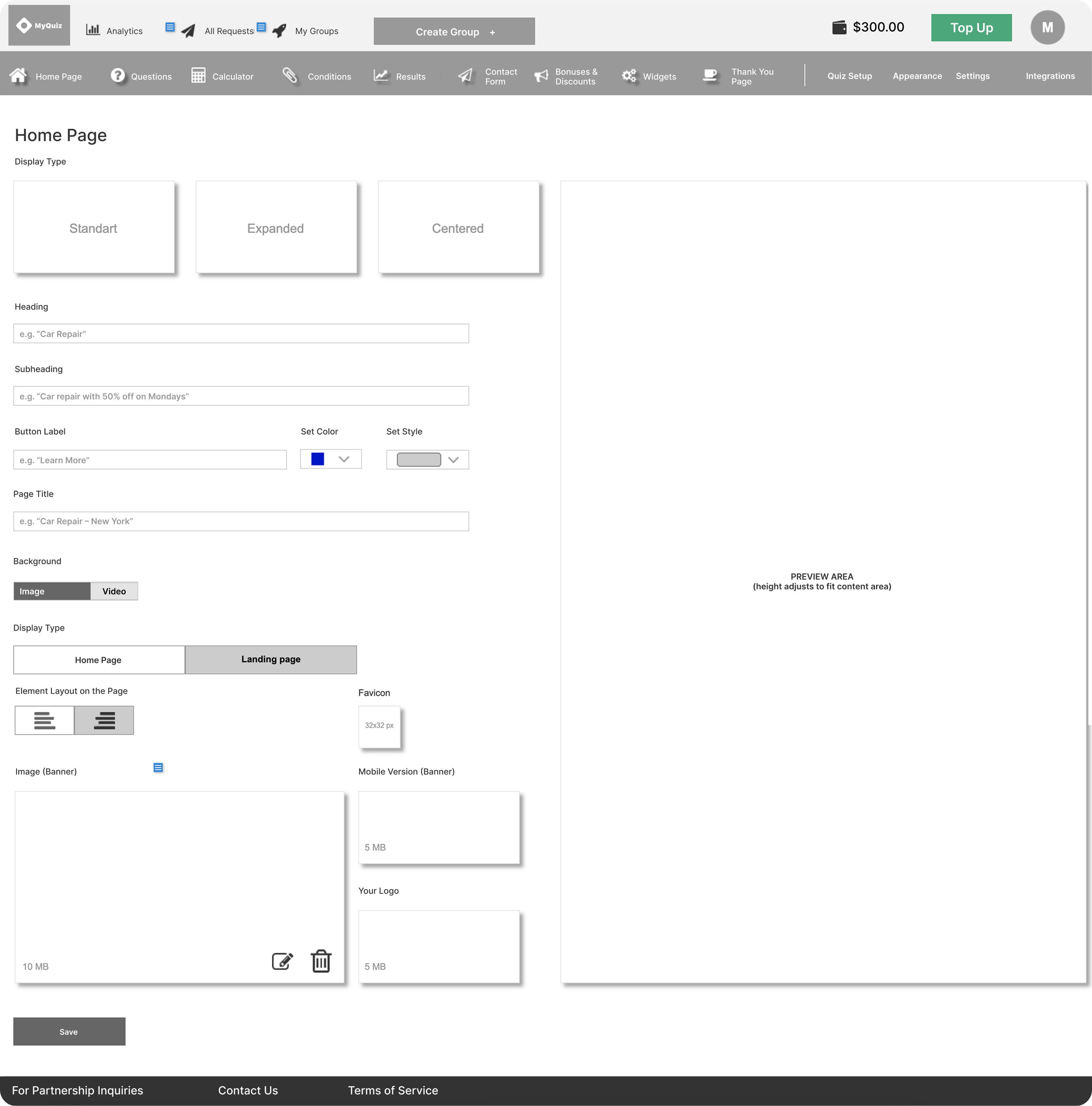
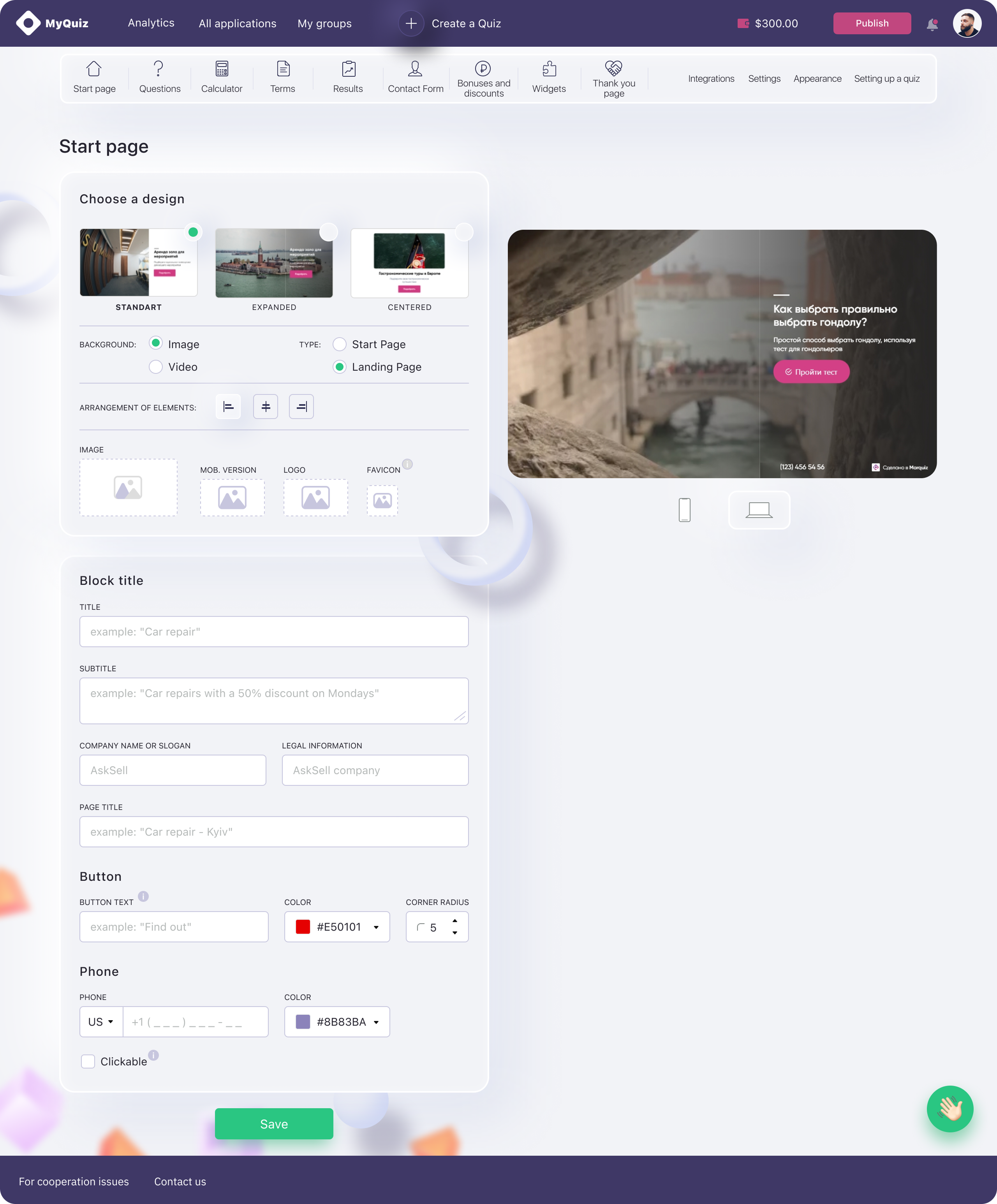
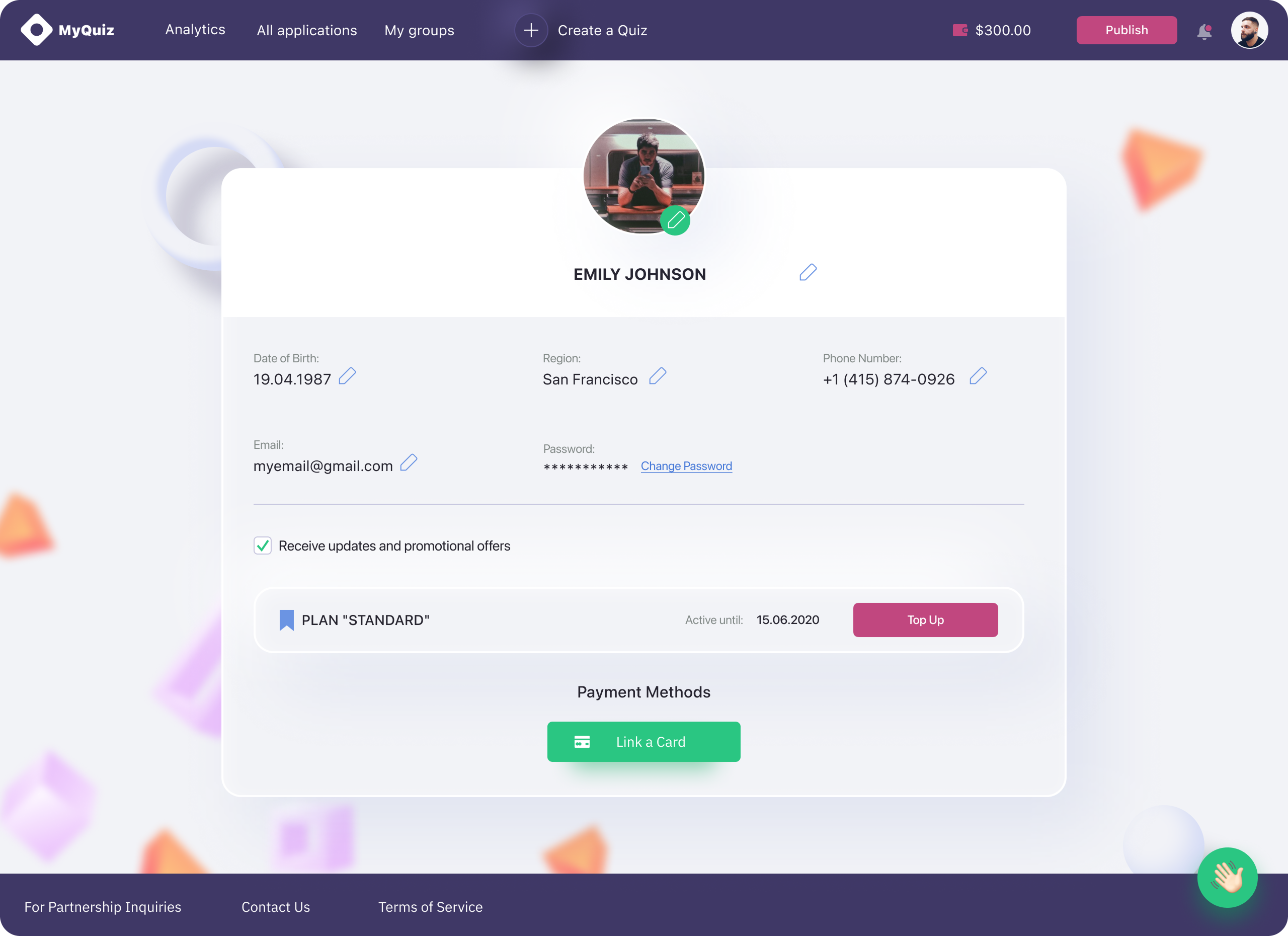
Information Architecture & User Flows → UX Wireframes → UI Design

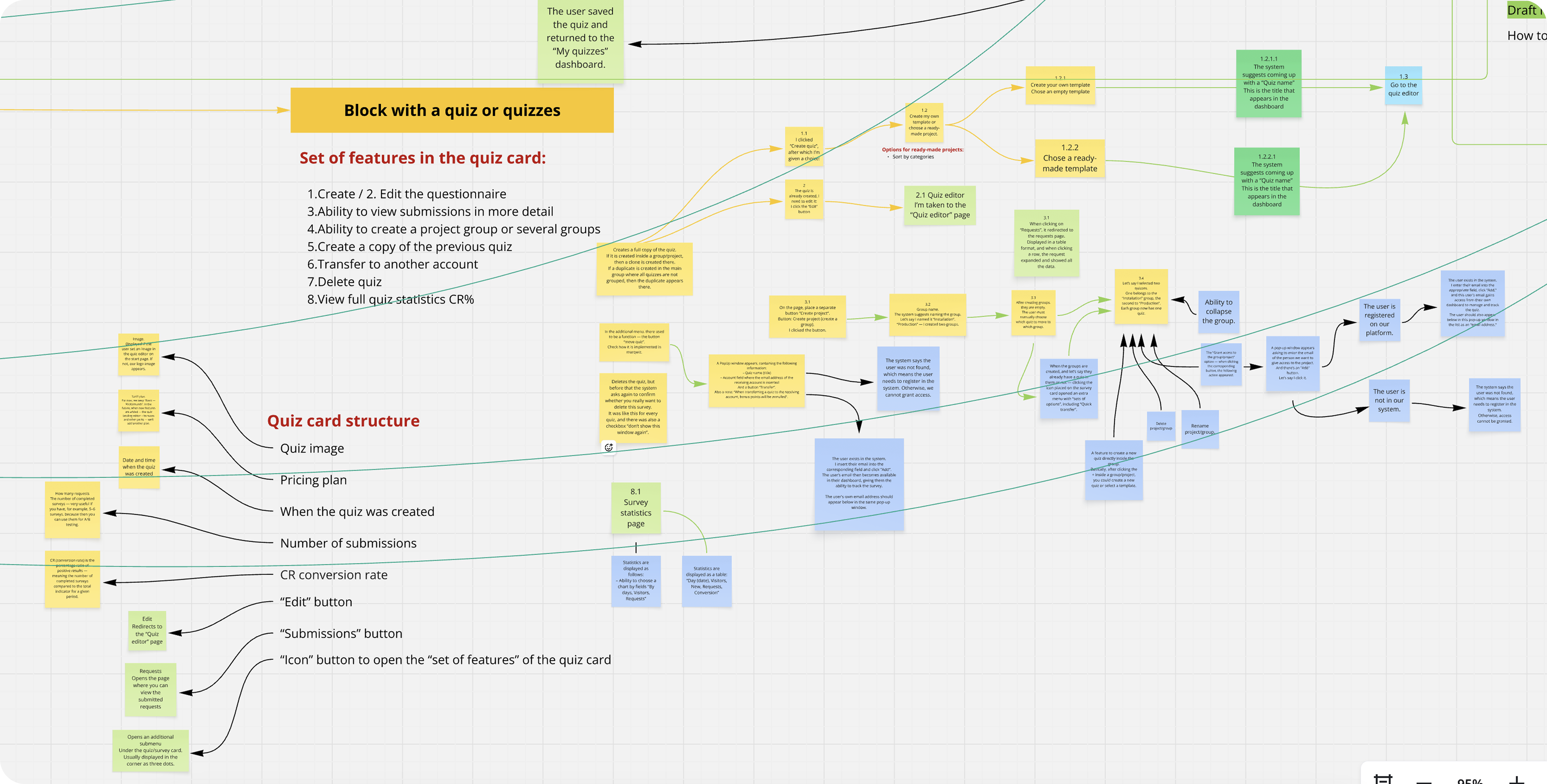
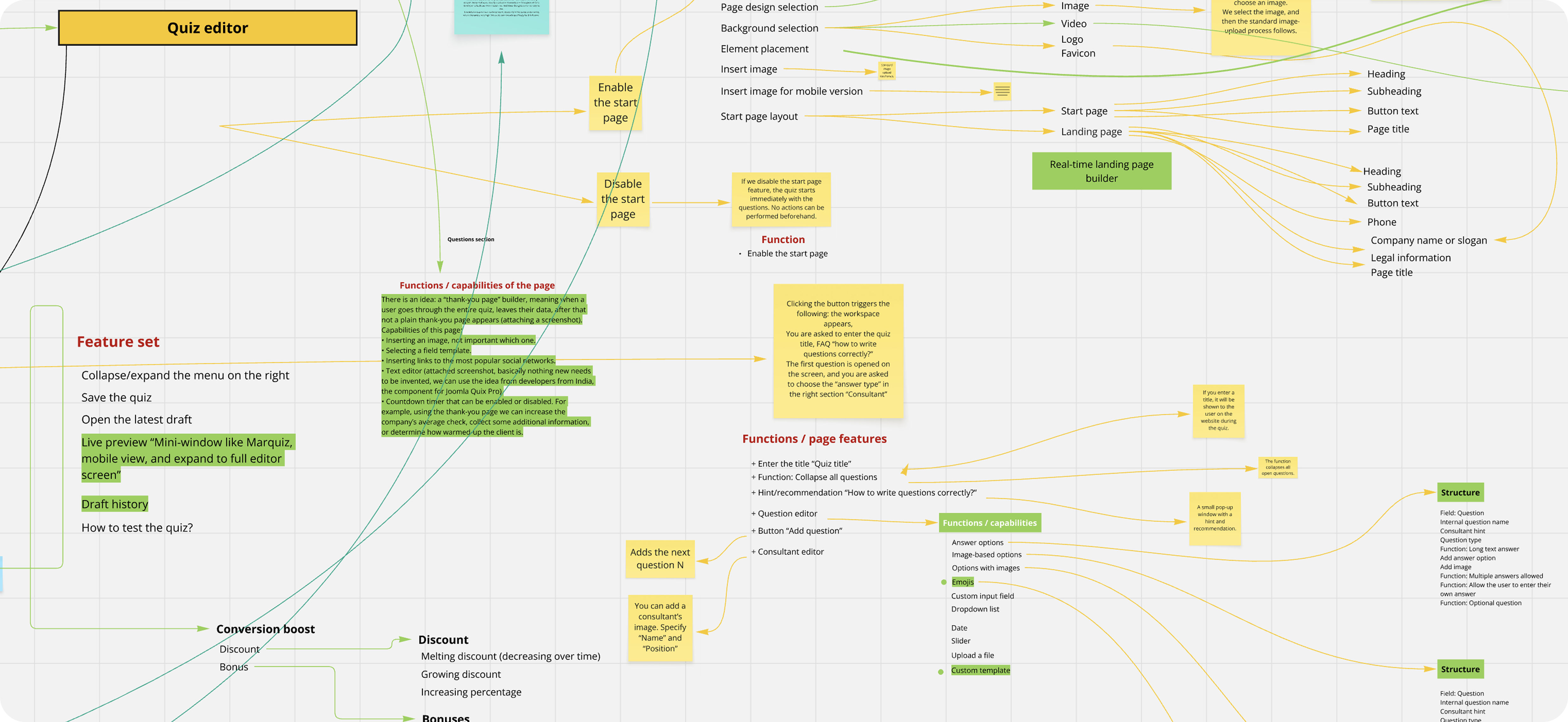
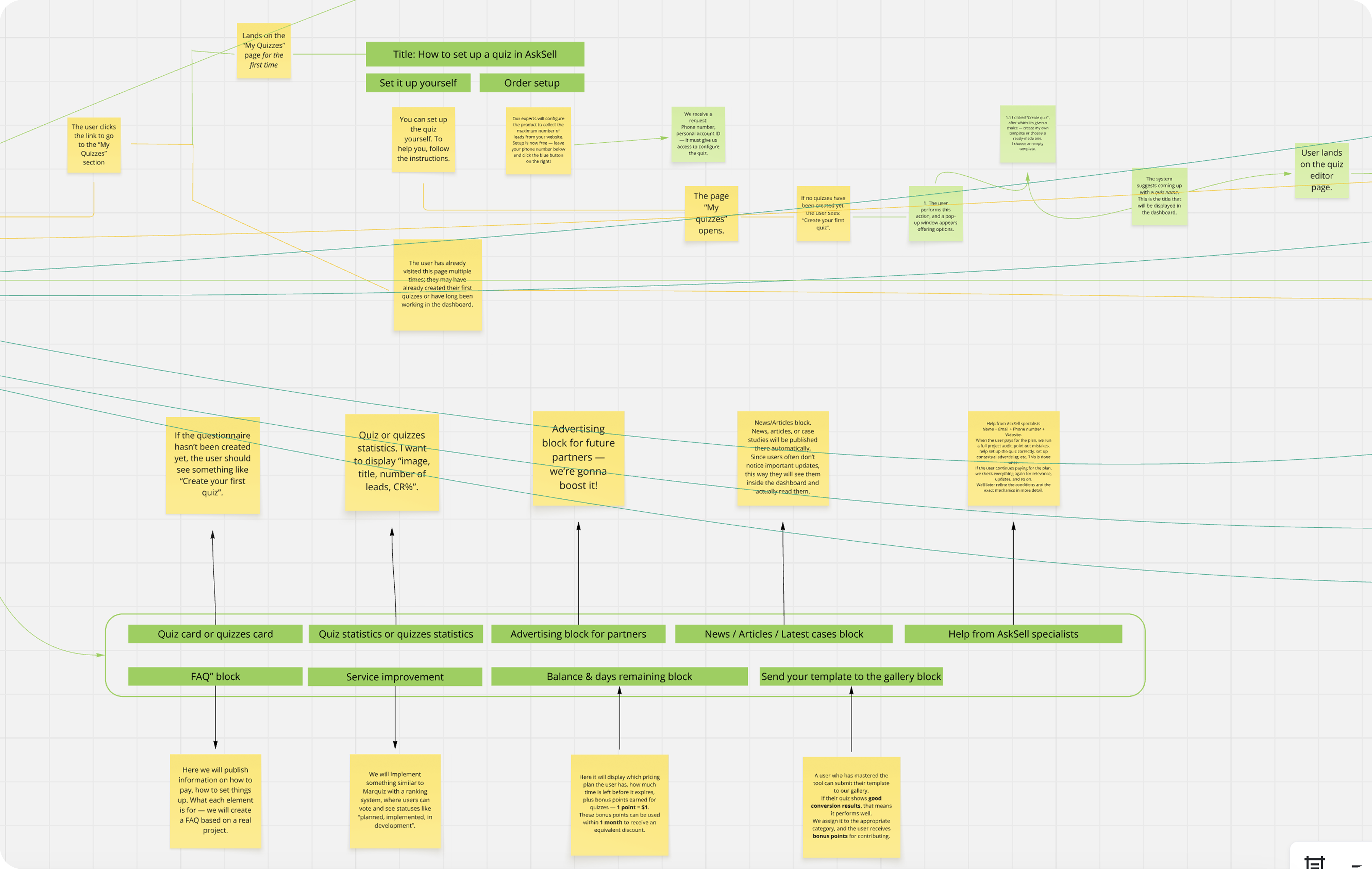
Structuring the product in Miro to define user flows and system hierarchy
Information Architecture
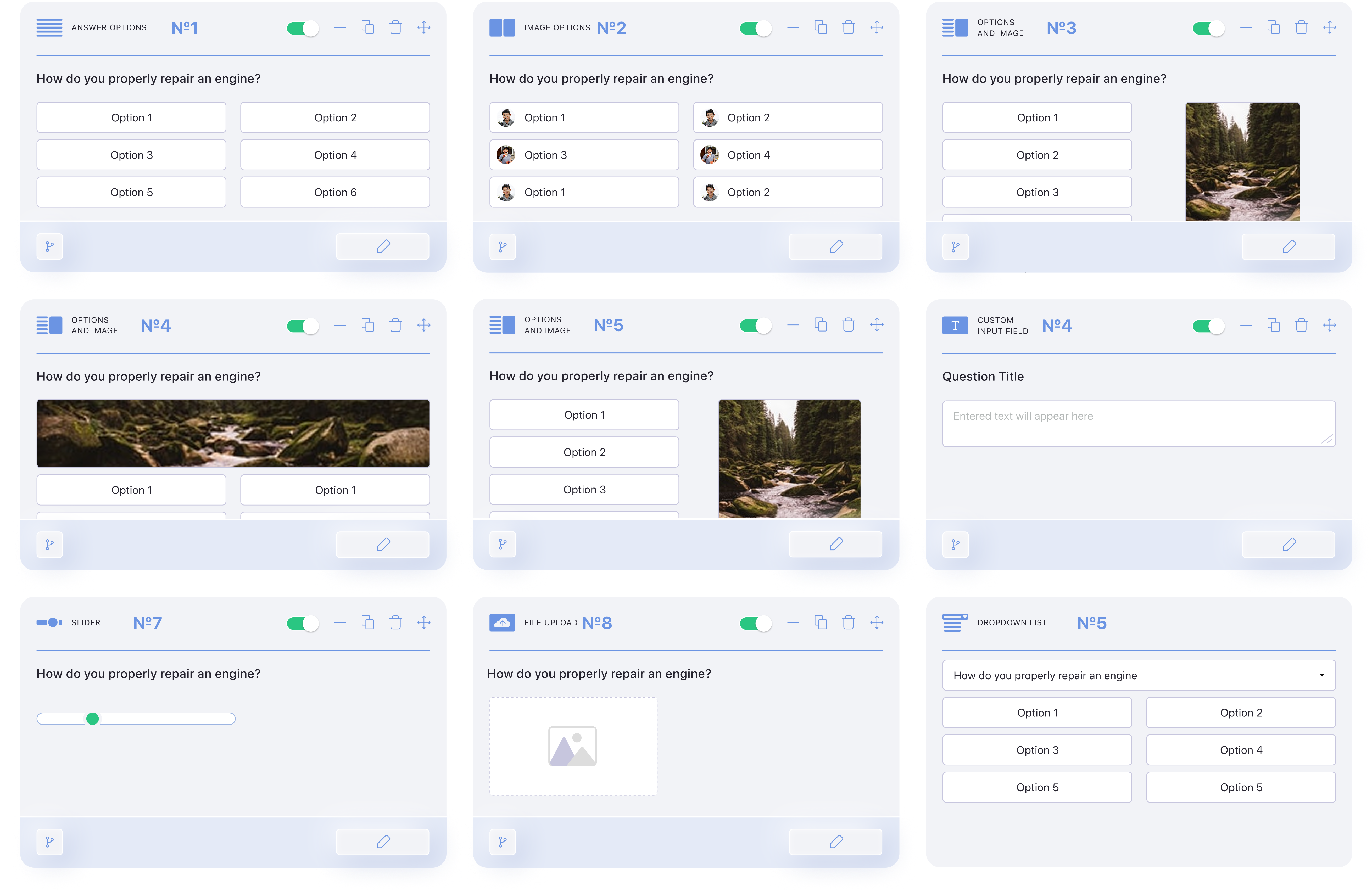
Wireframe
Design
Information Architecture
Wireframe
Design

Information Architecture

Wireframes

Design

Thanks for watching

CONTACT