Skymiles

Delta Airlines

My Role in the Project
I joined the project at the UX and UI design stage. By that time, the core product concept was already defined. I focused on structuring user flows, refining interactions, and designing high-fidelity screens to ensure a smooth and intuitive user experience.

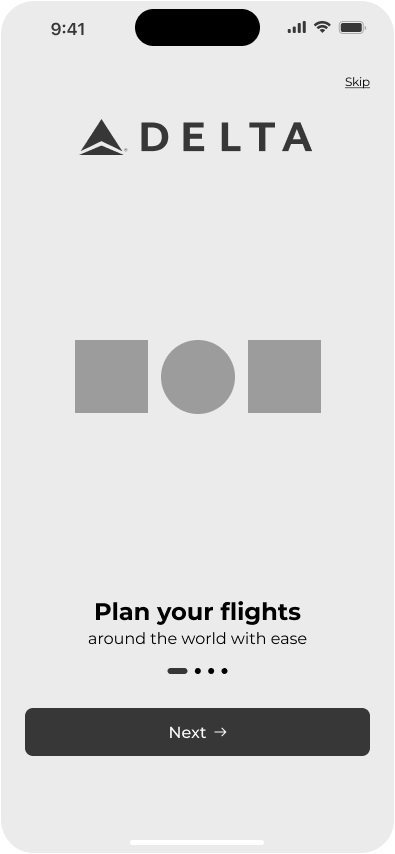
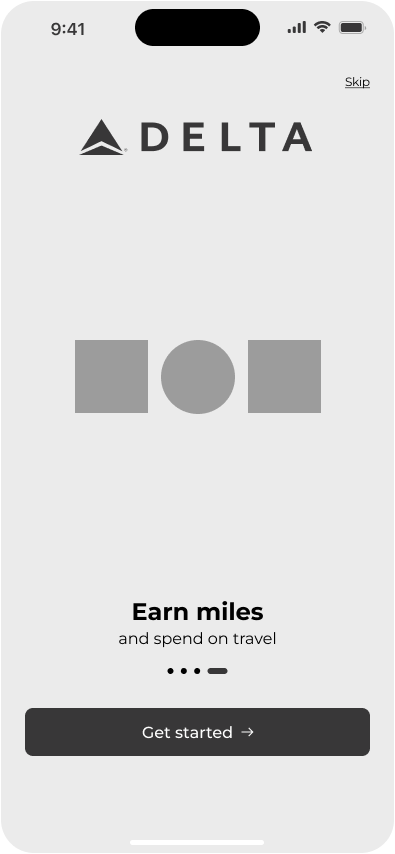
Wireframes → UI Design

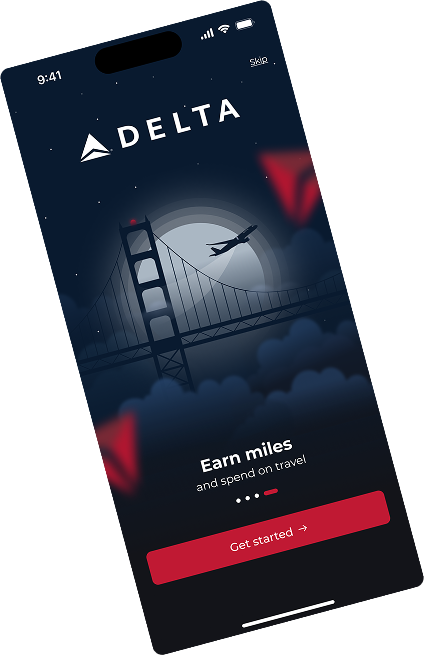
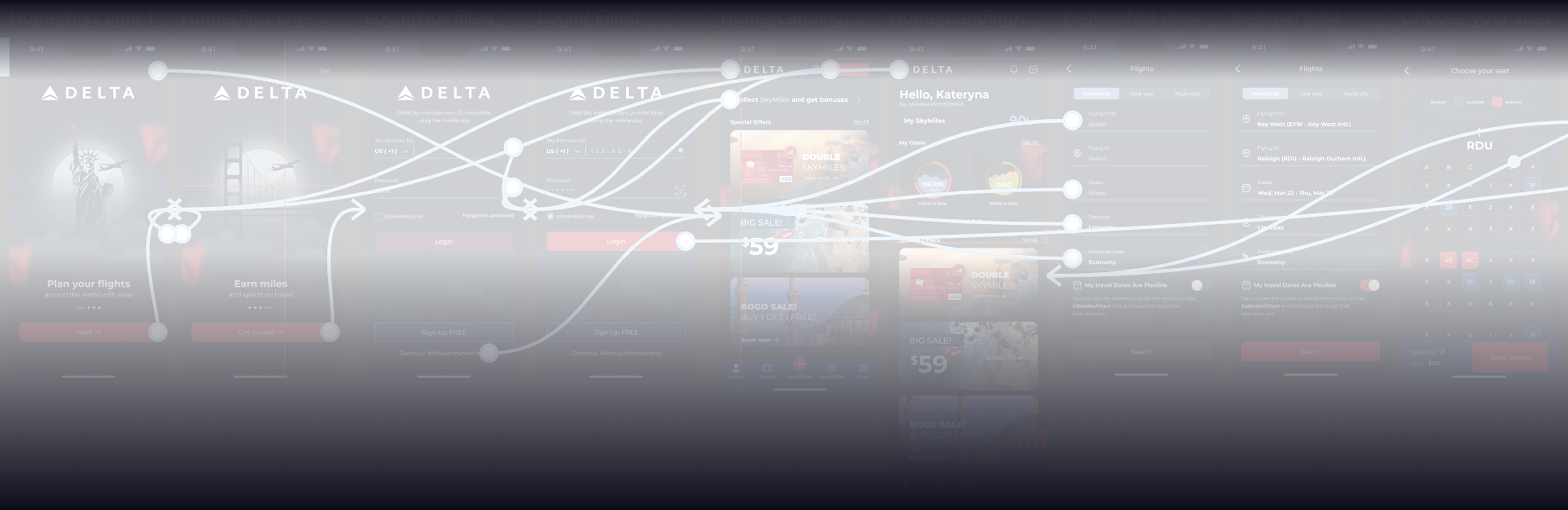
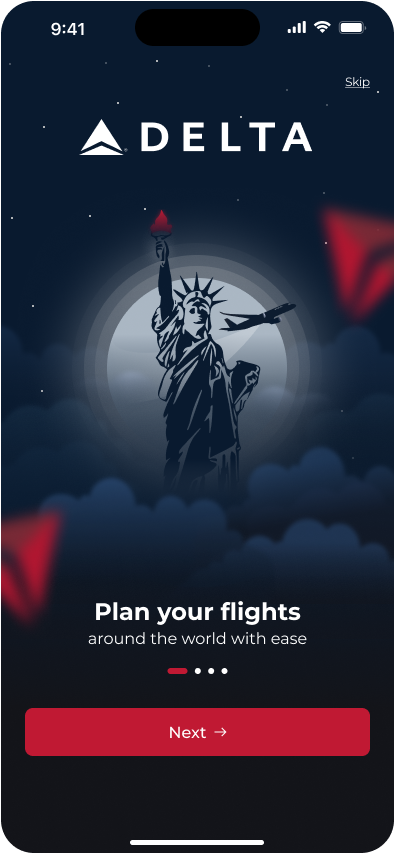
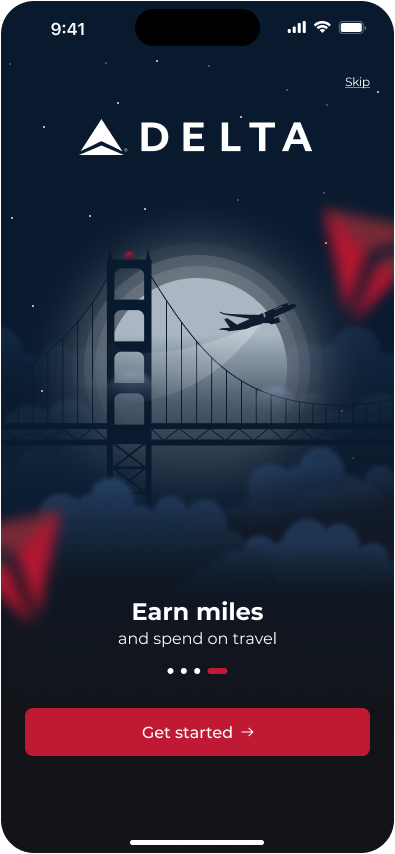
Onboarding screens
These screens introduce users to the app right after download.
Custom illustrations were created to quickly communicate the value of the Skymiles program, set a friendly first impression, and guide users into the core experience in a clear and intuitive way.
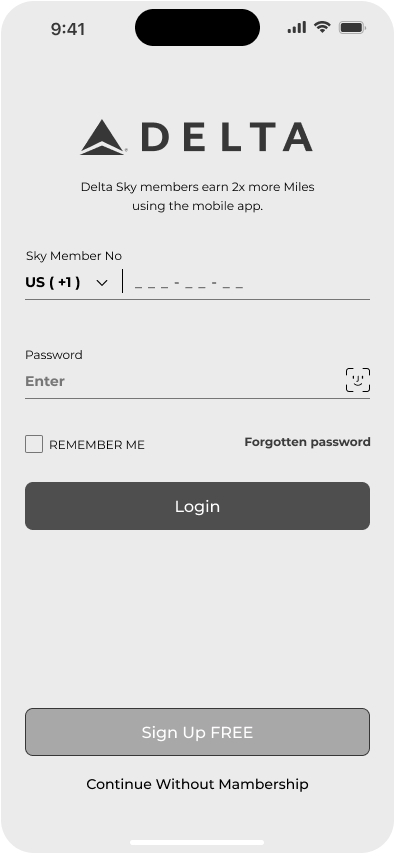
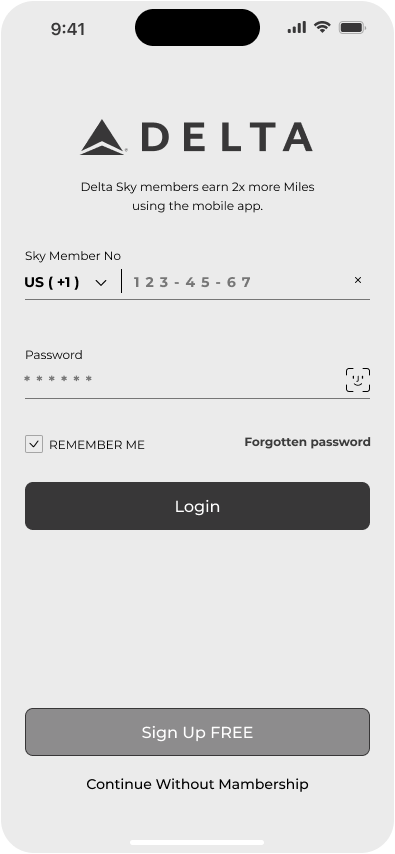
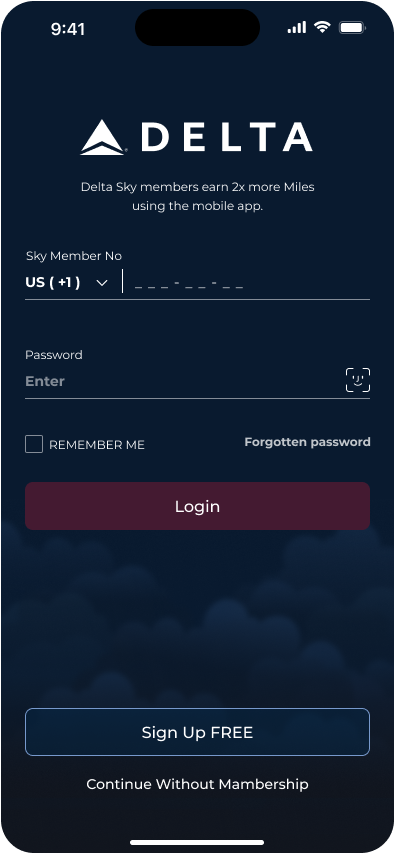
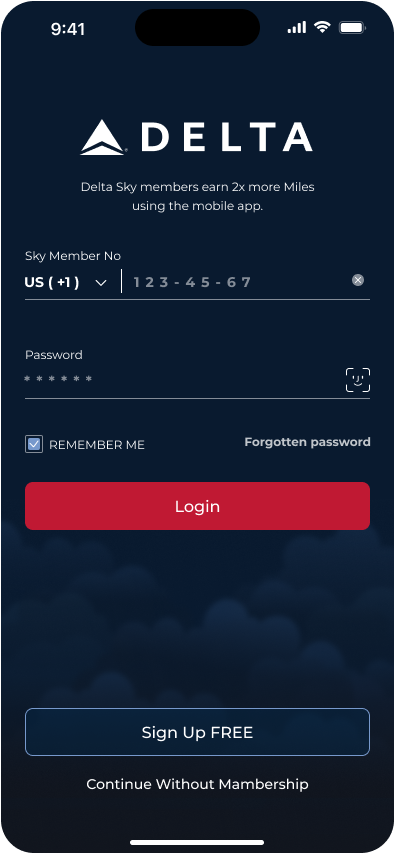
Login screens
The login flow allows users to sign in using a phone number from any country.
Users can enter a password or authenticate with Face ID, with a “Remember me” option for faster and more convenient access.
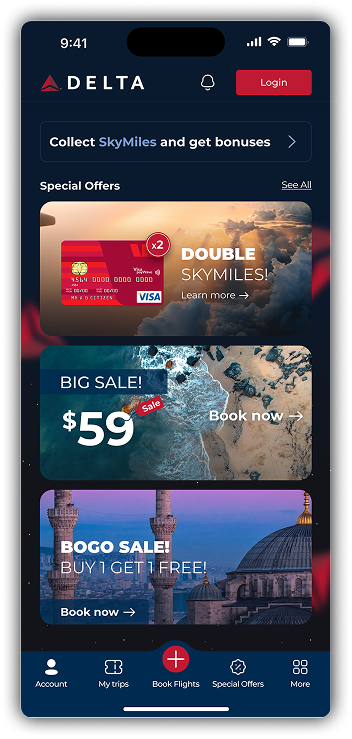
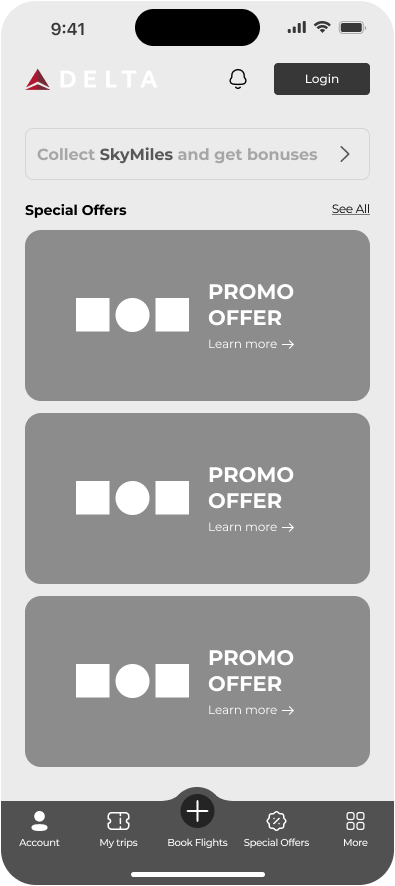
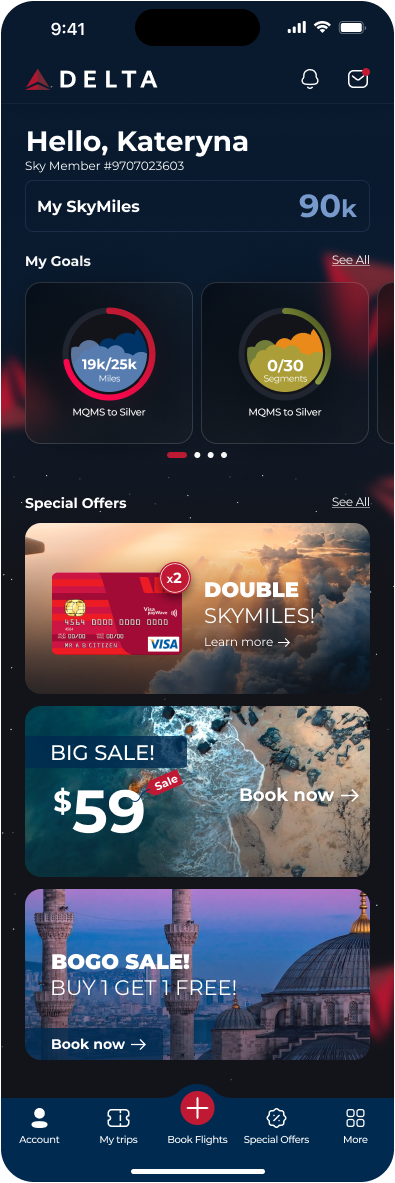
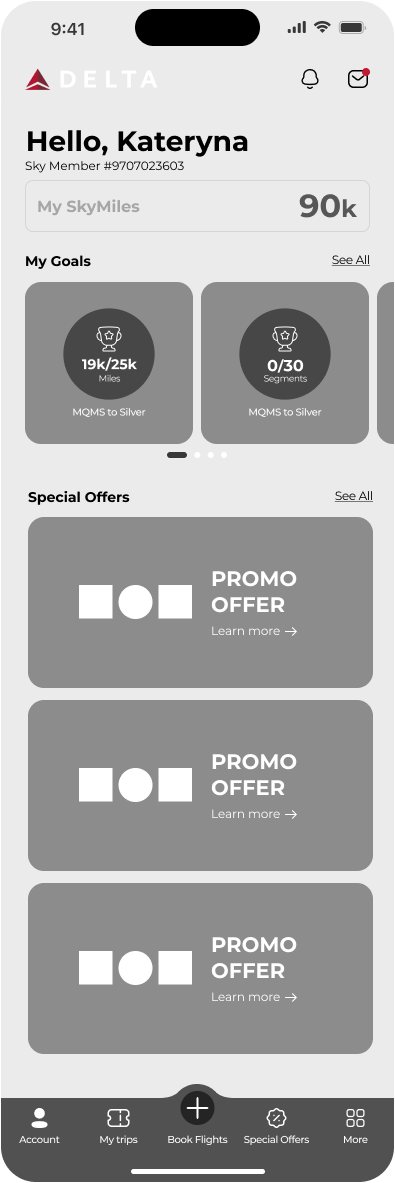
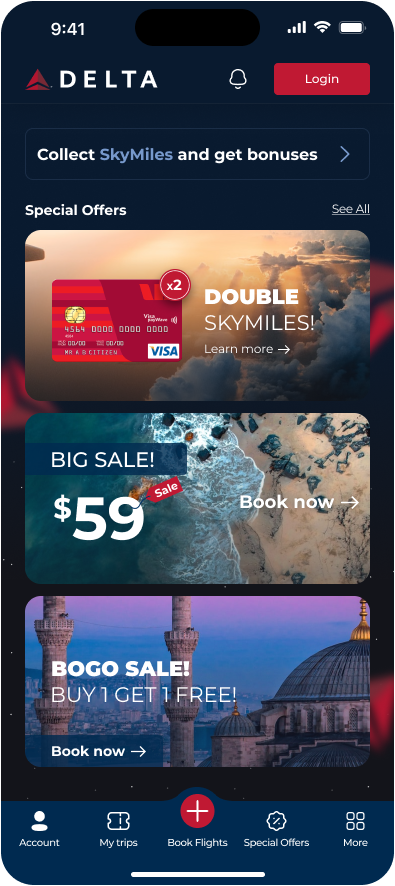
Home screen (before & after login)
The home screen adapts based on the user’s authorization status.
Before login, it highlights Skymiles benefits and promotional offers to encourage engagement.
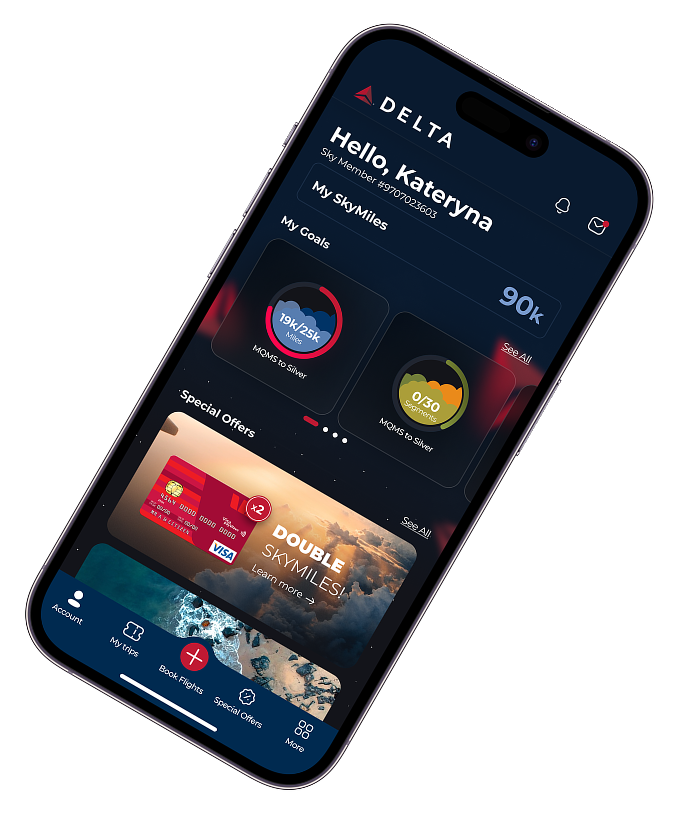
After login, the screen becomes personalized, showing the user’s SkyMiles balance, progress toward loyalty goals, and relevant offers, helping users quickly understand their status and next steps.
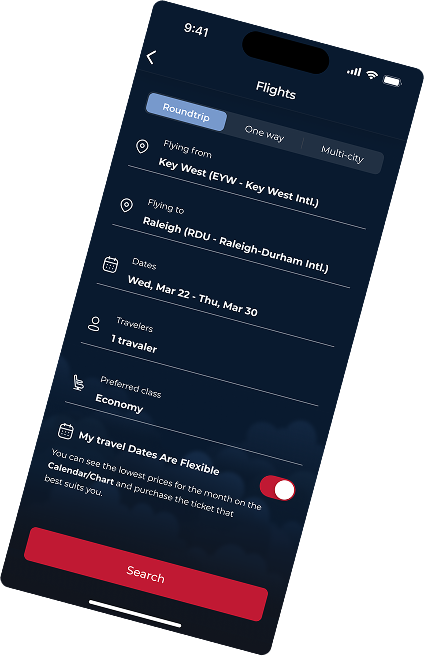
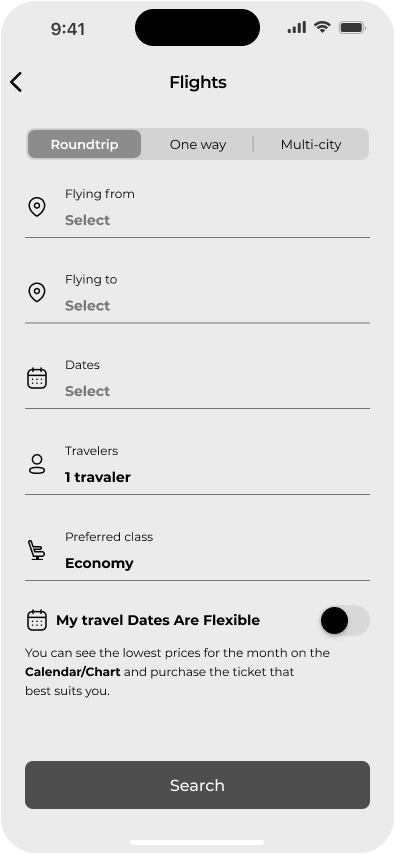
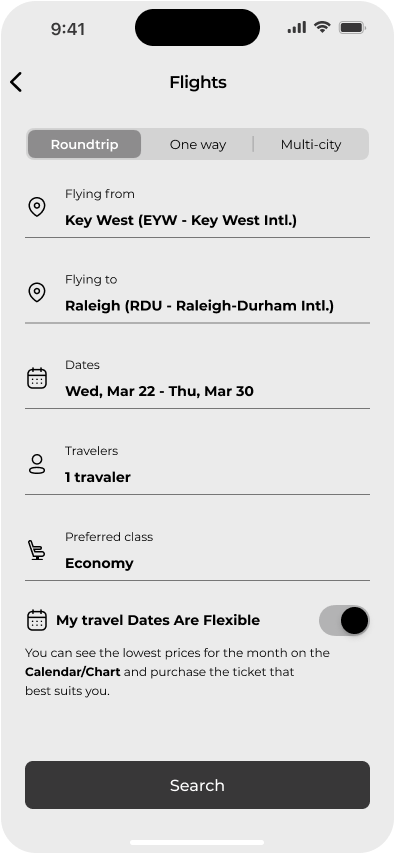
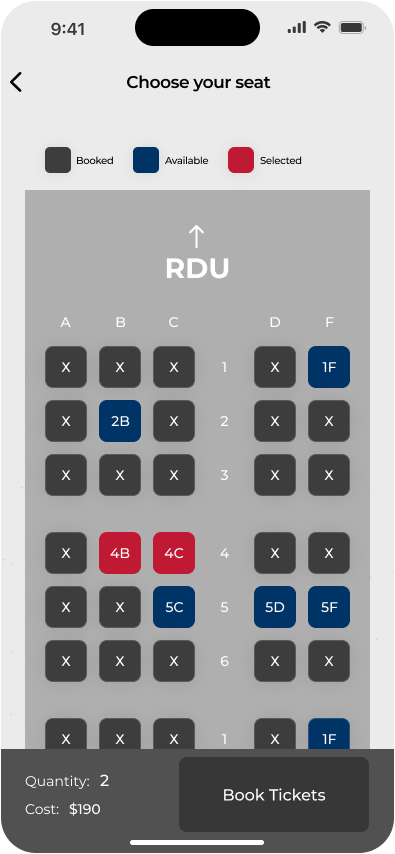
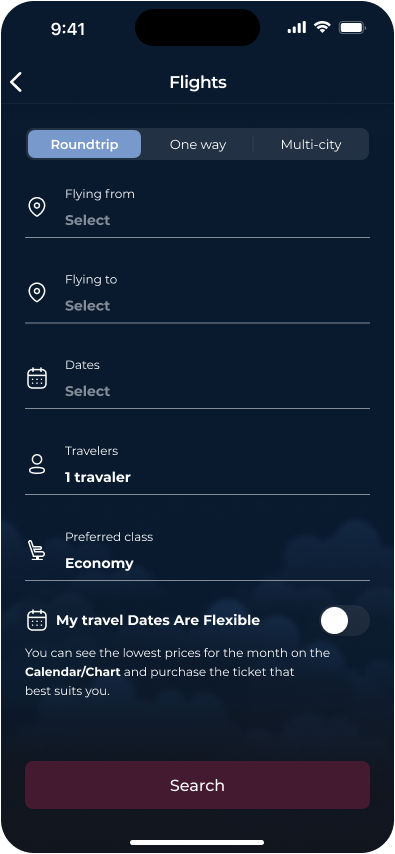
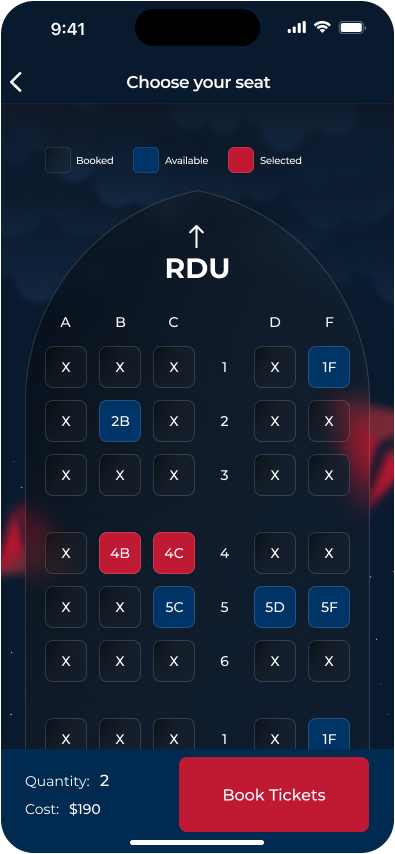
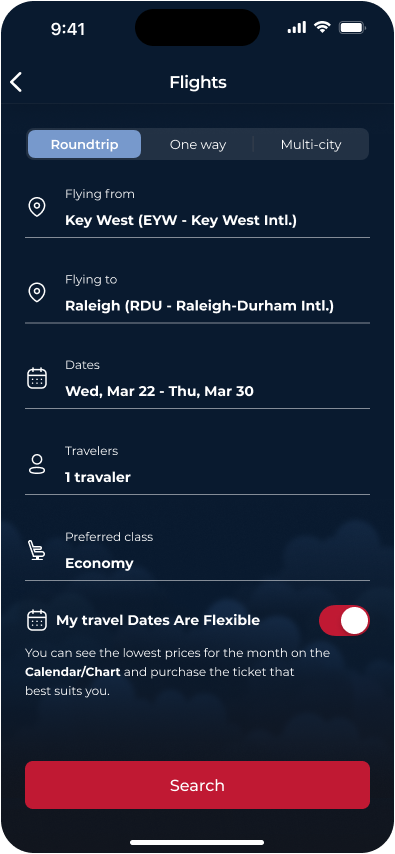
Flight search & seat selection
These screens guide users through the flight search flow, from entering trip details to selecting seats.
The search form supports roundtrip, one-way, and multi-city options, with flexible dates to help users find the best fares.
The seat selection interface uses clear color-coding to distinguish available, booked, and selected seats, allowing users to quickly compare options and complete booking with confidence.


Design System

Thanks

for watching

CONTACT